4
Chapter 1. Getting to know your computer
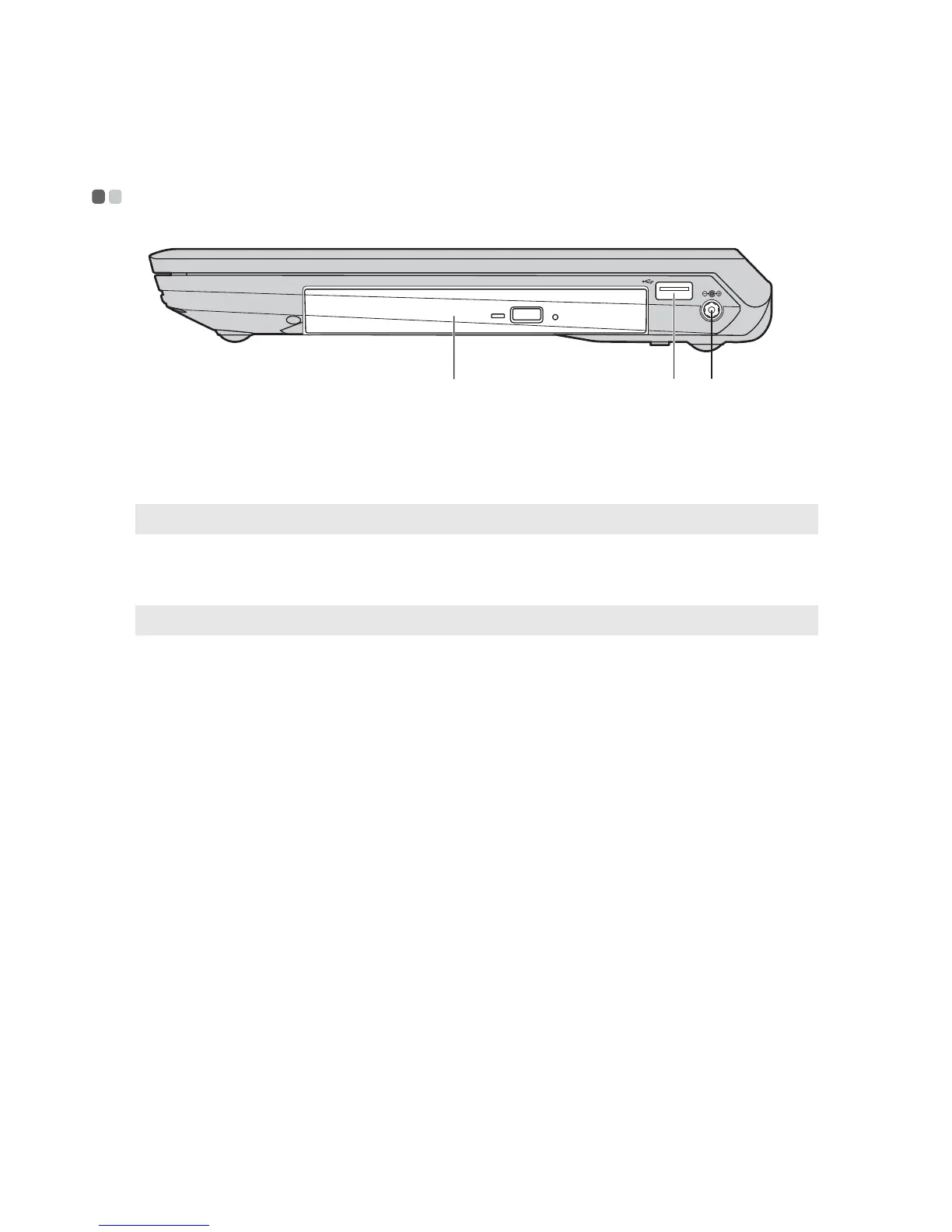
Right-side view - - - - - - - - - - - - - - - - - - - - - - - - - - - - - - - - - - - - - - - - - - - - - - - - - - - - - - - - - - - - - - - - - - - - - - - - - - - - - - - - - - - - - - - - - - - - - - - - - - - - - - - - - -
Optical drive
Reads/Burns optical disks.
USB port
Connects to USB devices.
Note: For details, see “Connecting USB devices” on page 13.
AC power adapter
jack
Connect the AC adapter here.
Note: For details, see “Using AC adapter and battery” on page 9.
ca b
a
b
c



 To Next Page