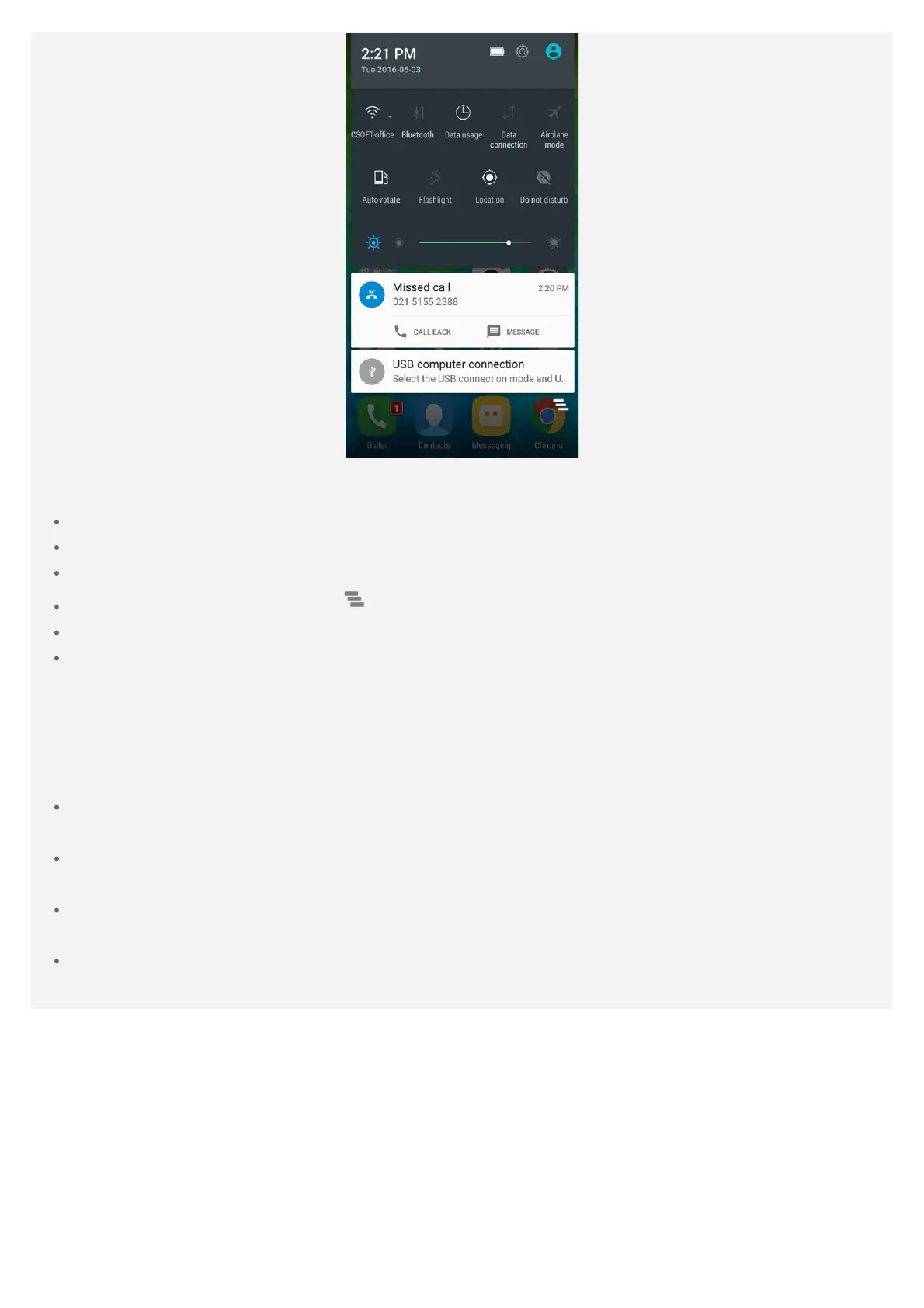
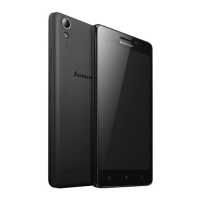
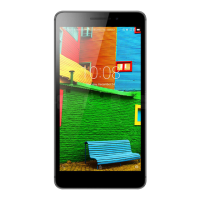
Figure 2: Quick Settings
You can do any of the following:
To see notifications, swipe down from the top of the screen.
To close the Notification panel, swipe up from the bottom of the screen.
To dismiss a notification, swipe left or right across the notification.
To dismiss all notifications, tap at the bottom of the Notification panel.
To open the Quick Settings panel, swipe down from the top of the screen twice.
To close the Quick Settings panel, swipe up from the bottom of the screen.
USB connection
When you connect your phone to a computer using a USB cable, the Notification panel displays a
notification such as "USB computer connection". You can tap the notification, and then select one
of the following options:
Media device (MTP): Select this mode if you want to transfer any files between your phone
and the computer.
Camera (PTP): Select this mode if you want to transfer only photos and videos between your
phone and the computer.
MIDI: Select this mode if you want MIDI-enabled applications on your phone to work with MIDI
software on the computer.
Charge only: Select this mode if you want to charge your phone only.


 To Next Page