5
Chapter 3. Preparation before initial setup
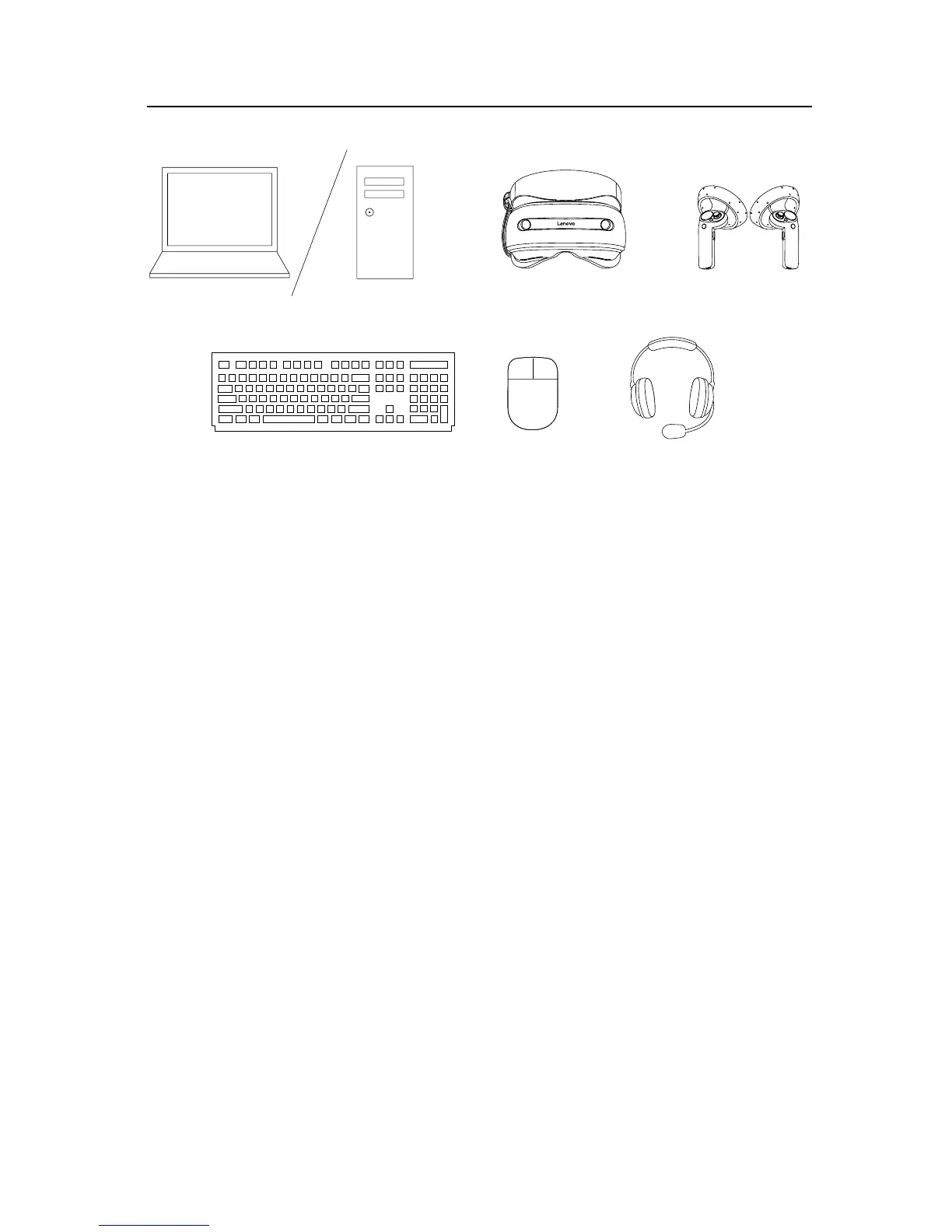
Prepare the following devices before the initial setup of the Lenovo Explorer headset:
• Compatible computer
Turn on the computer.
For detailed information about software and hardware requirements for your computer, go
to http://www.lenovo.com/support/lenovo_explorer.
• Lenovo Explorer headset
Remove the protective film from each of the viewer lenses.
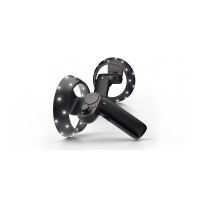
• Controllers (optional)
Connect either of the following controllers to your computer:
- Motion controllers (recommended) for motion tracking and menu control
For detailed information about the motion controllers, refer to “Chapter 6. Enhancing
the Lenovo Explorer”.
- Windows-compatible controller (such as XBOX ONE
®
or XBOX 360
®
controller) for
menu control
• Keyboard and mouse (optional)
Connect a keyboard and a mouse to your computer to help input data.
• 3.5-mm (0.14-inch) earphones, headphones, or audio headset (optional)
To listen to the sound from the computer, connect earphones, headphones, or an audio
headset to the 3.5-mm (0.14-inch) headphone connector on the Lenovo Explorer
headset.
To communicate with the Cortana
®
personal assistant, use a Cortana-certified audio
headset.


 To Next Page