Chapter 1. Getting to know your computer
5
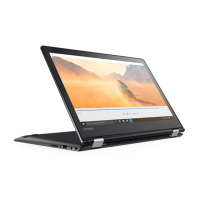
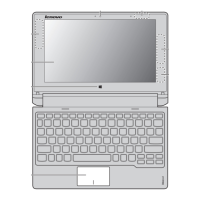
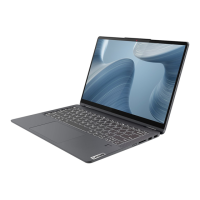
Lenovo Flex 3-1570/Flex 3-1570 (HSW)/Flex 3-1535
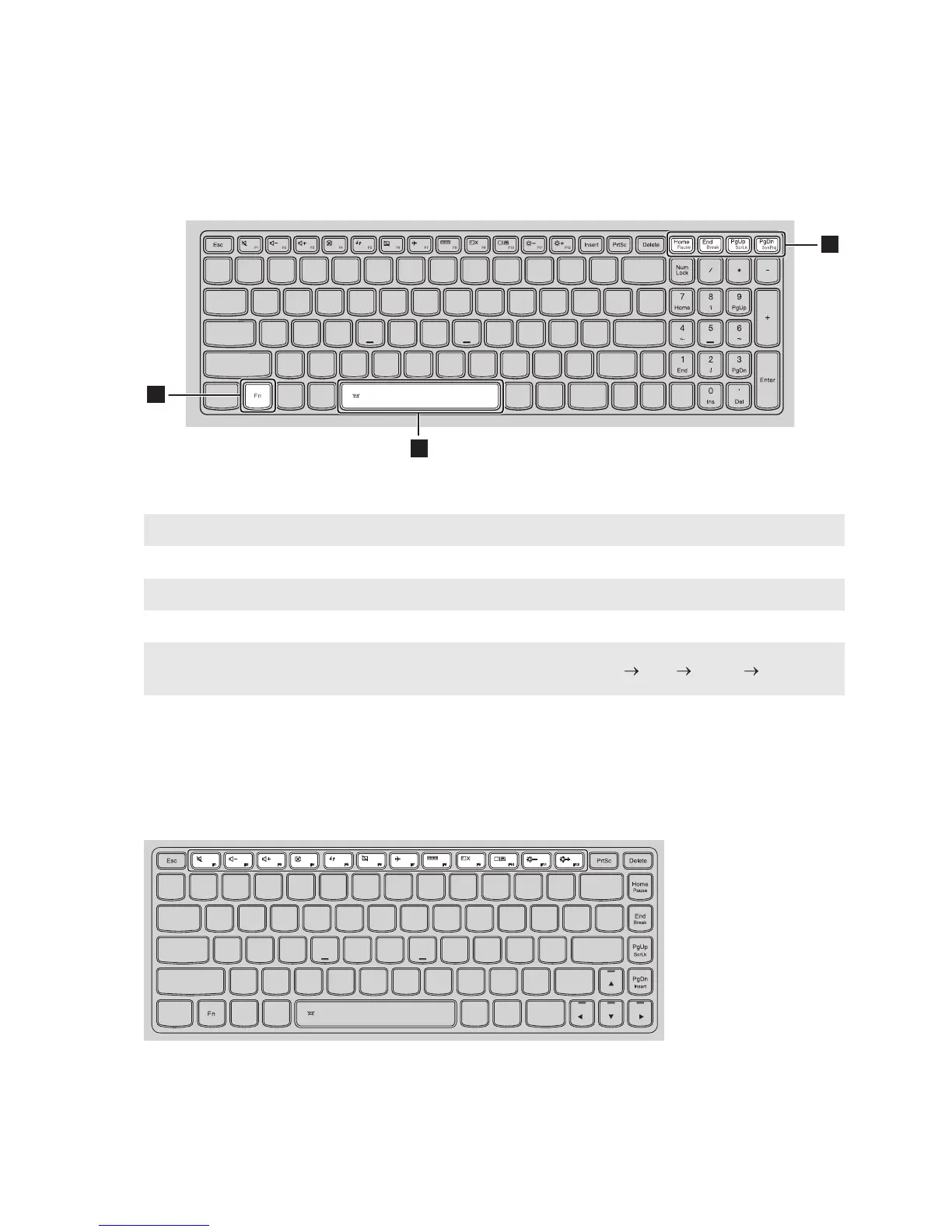
The following describes the features of each function key.
Hotkeys
You can access certain system settings quickly by pressing the appropriate hotkeys.
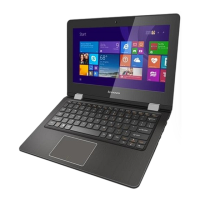
Lenovo Flex 3-1470/Flex 3-1470 (HSW)/Flex 3-1435/Flex 3-1475
Fn + Home: Activates the pause function.
Fn + End: Activates the break function.
Fn + PgUp: Enables/disables the scroll lock.
Fn + PgDn: Activates the system request.
Fn + Space
(on select models):
Adjusts the keyboard backlight (off dim bright off).







 To Next Page