Chapter 1. Getting to know your computer
9
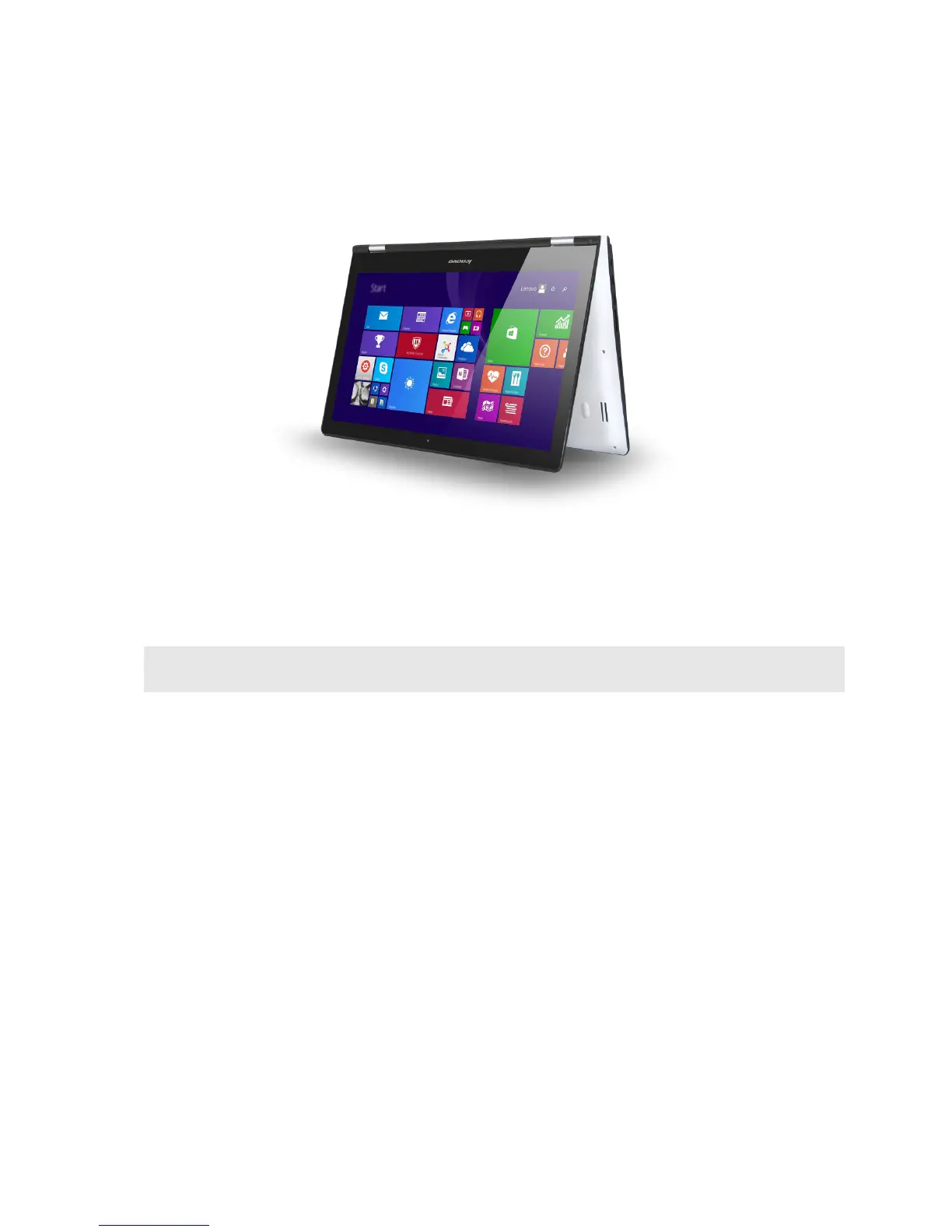
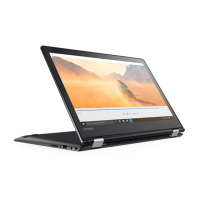
Tent Mode (Presentation Mode)
Suitable for tasks that require limited interaction with the touch screen (such as displaying
graphs or PowerPoint presentations).
Attention:
• Do not open the display with too much force, otherwise the panel or hinges may be damaged.
Note: The keyboard and touchpad are automatically locked when the screen is opened beyond 190 degrees
(approximately).






 To Next Page