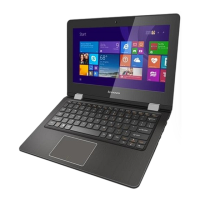
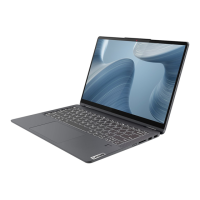
a Integrated
camera
Use the camera for video communication.
b Built-in
microphone
Capture sound which can be used for video conferencing,
voice narration, or audio recording.
c Wireless LAN
antennas
Connect to a wireless LAN adapter to send and receive
wireless radio signals.
d Multi-touch
screen (on select
models)
The LCD display with LED backlight provides brilliant
visual output. Multi-touch function is available on this
display.
e Touch pad
The touch pad functions as a conventional mouse.
Touch pad: To move the
pointer on the screen, slide your
fingertip over the pad in the direction in which you want
the pointer to move.
Touch pad buttons: The functions of
the left/right side
correspond to those of the left/right mouse button on a
conventional mouse.
Note: You can enable/disable the touch pad by pressing F6 ( ).
Chapter 1. Getting to know your computer
2


 To Next Page
 Loading...