22
Chapter 3. Connecting to the Internet
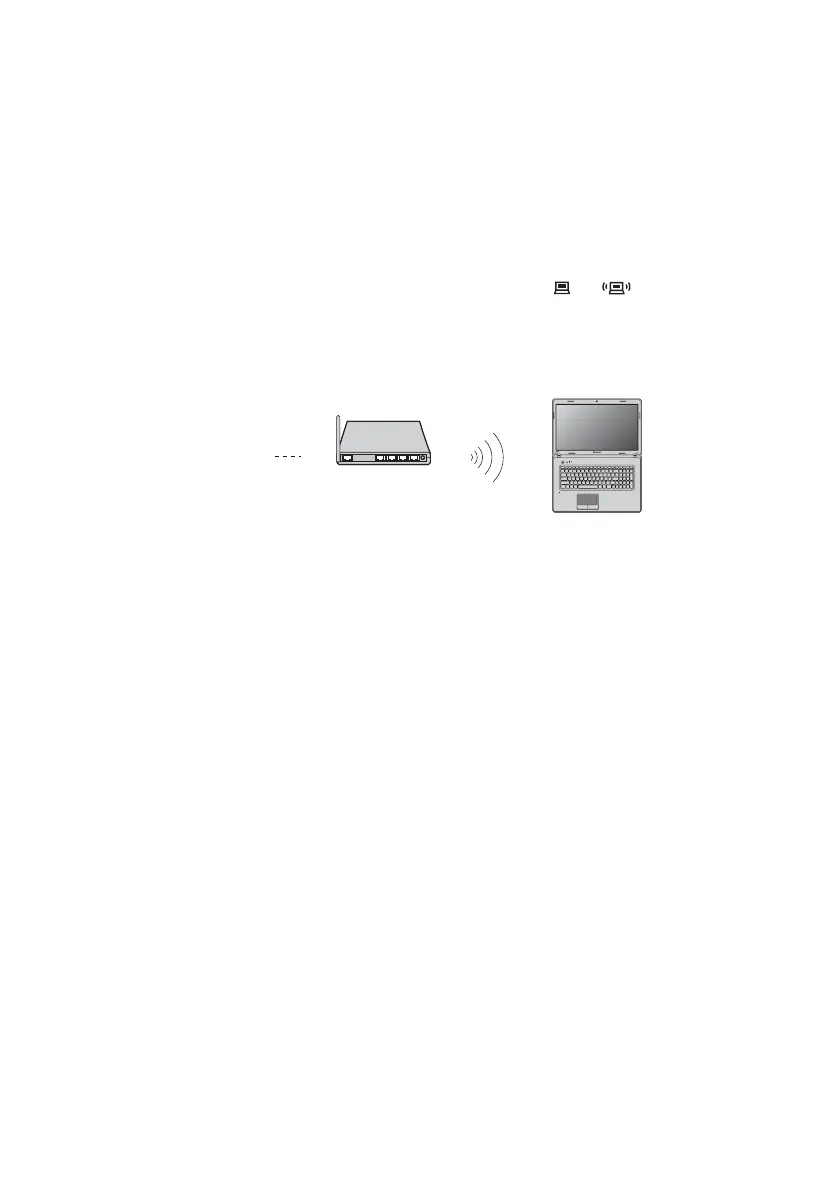
Using Wi-Fi/WiMAX (on select models)
Enabling wireless connection
To enable wireless communications, do the following:
1
Slide the integrated wireless device switch from to .
2
Press Fn + F5 to make configuration.
Hardware connection
Software configuration
Consult your Internet Service Provider (ISP) and search Windows Help and
Support Center for details on how to configure your computer.
Access point *
Wi-Fi/WiMAX network
* Not supplied









 To Next Page