2
Chapter 1. Getting to know your computer
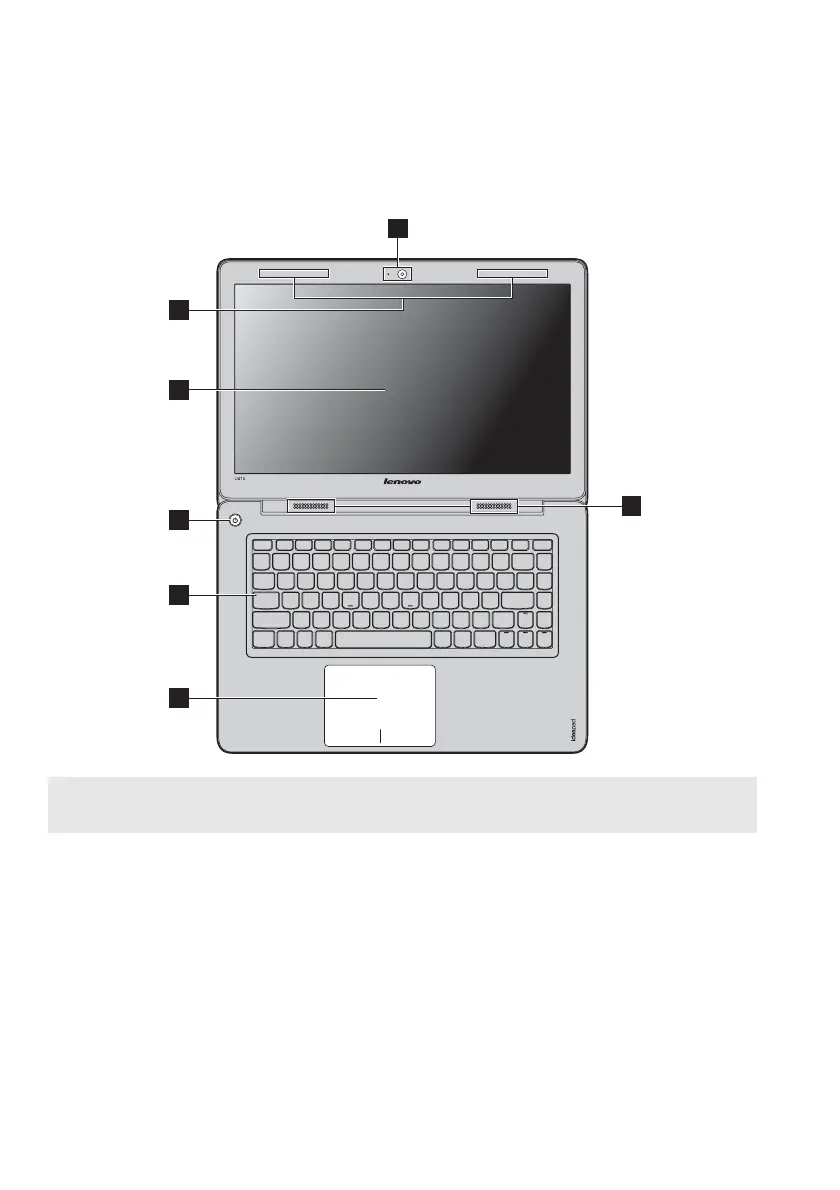
U410
Note: The illustrations in this manual may differ from the actual product. Please refer to the
actual product.
Attention:
• Do NOT open the display panel beyond 130 degrees. When closing the display panel, be
careful NOT to leave pens or any other objects in between the display panel and the
keyboard. Otherwise, the display panel may be damaged.
1
2
3
7
4
6
5









 To Next Page