Back
Next
Menu More
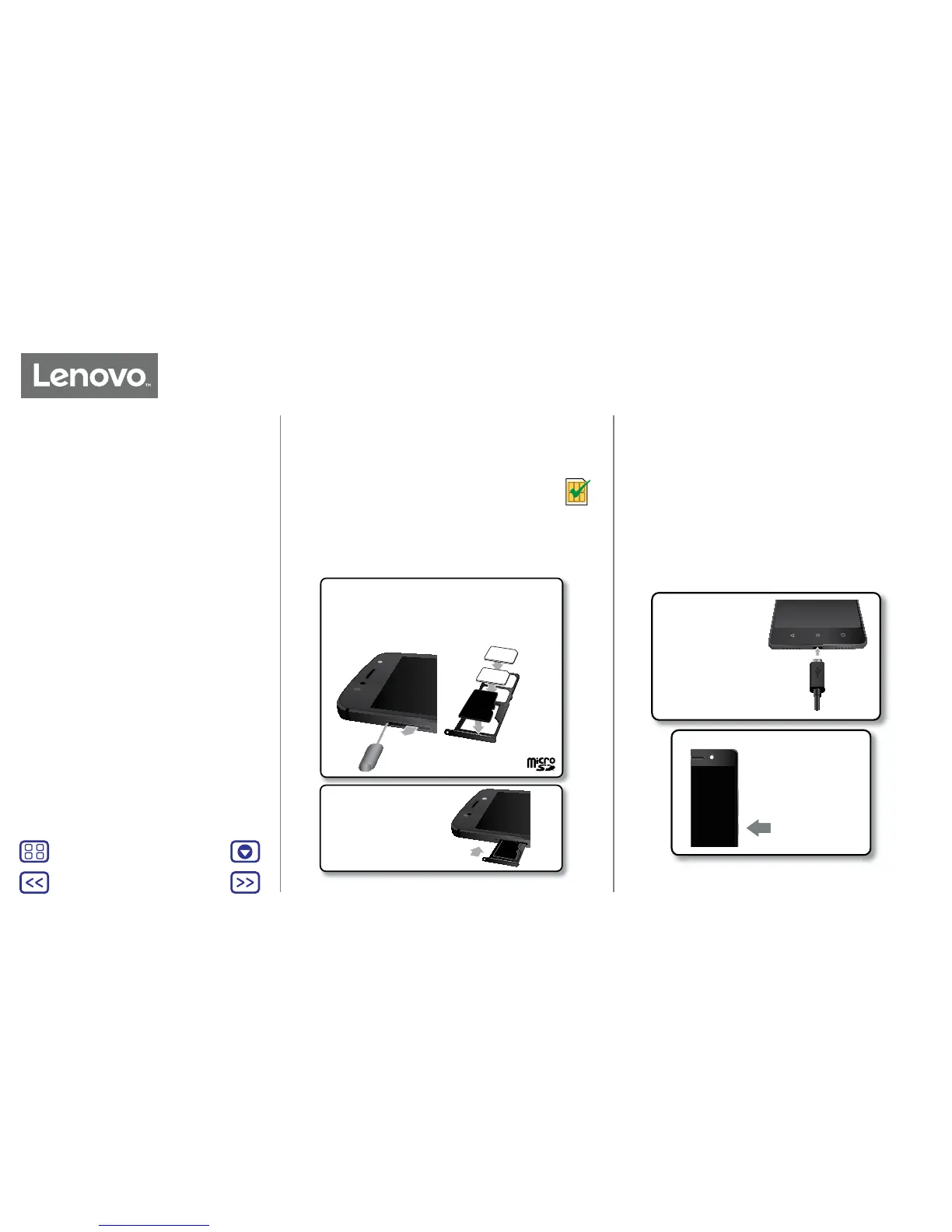
Put in the SIM cards
Your phone supports using two SIM cards.
Caution: make sure you use the correct sized SIM
cards and don't cut the SIM cards.
Nano SIM
Charge up & power on
Charge your phone fully and turn the power on. Then select
your language and follow the screen prompts to get started.
Before using your
phone, fully charge it
with the charger
provided.
Charge up.
Power on.
Press and hold Power
until the screen lights
up.
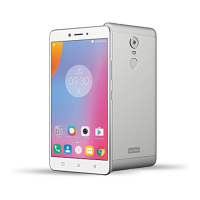
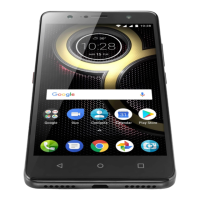
Start: Lenovo K8 Plus
Put in the SIM cards
Charge up & power on
Start: Lenovo K8 Plus
Push the tray back into
your phone.
Put in the nano SIM and memory cards.
microSD
(optional)
SIM 1
SIM 2
Put in the SIM cards and
an optional microSD card
with the gold contacts
facing down.
With the phone facing
up, insert the SIM tool
into the tray hole to
pop out the tray.


 To Next Page