4
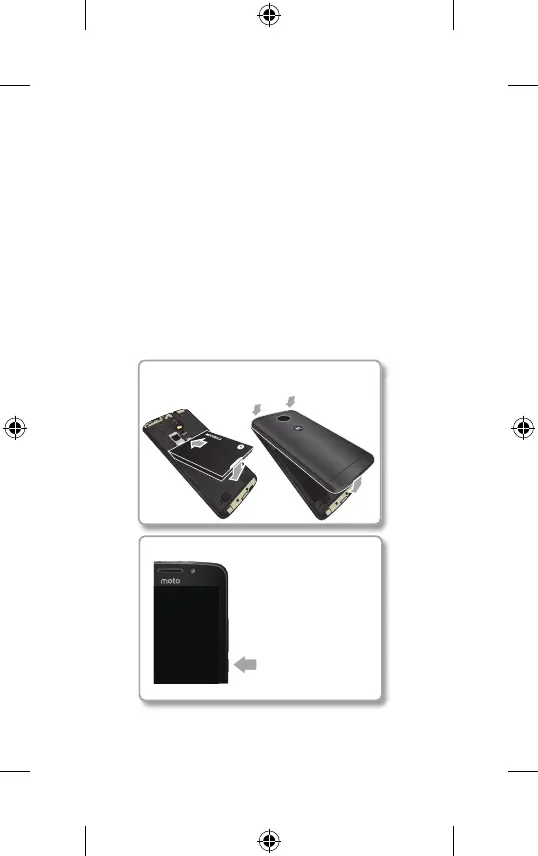
Put in the battery & put on the cover.
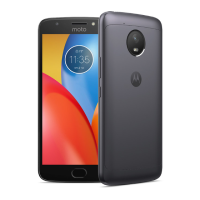
Charge up & power on.
Note: fully charge
your phone before
using it.
Press & hold Power
until the screen
lightsup.
Finish up
Put on the back cover. Connect your charger to
charge your phone fully, then turn on the power.
Select your language and follow the screen
prompts to get started.
For phones that use two SIM cards, follow the
prompts to set them up.
Moto E4_GSG_Ukraine Country Group_en-GB uk ru ro ka_73110100252B.indb 42017-04-07 16:37:10






 To Next Page