Do you have a question about the Lenovo N700 and is the answer not in the manual?
Details gestures and OS compatibility for standard mouse operation.
Explains presenter mode activation, page navigation, and sleep mode.

 Need help?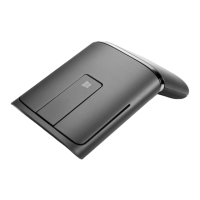

 To Next Page
 General