Need help?
Do you have a question about the Lenovo smart lock A1 and is the answer not in the manual?
Access the administrator management mode by pressing [*] twice on the touchpad.
Manage user access by adding fingerprints, pincodes, or RFID tags to the system.
Delete all or specific user credentials like fingerprints, pincodes, and RFID tags.
Adjust the device volume to high, medium, low, or mute.
Activate or deactivate Wi-Fi and configure Smart Wi-Fi or Hotspot Wi-Fi.
Activate or deactivate the dual authentication feature for enhanced security.
Set or inquire about the door lock's date and time.
Unlock the door using pincode, fingerprint, or RFID tag.
Unlock using two verification methods like pincode + fingerprint.
Use emergency keys or a power bank via USB for entry when the battery is low.
Utilize easy swipe, automatic locking, lock down mode, and low battery notifications.
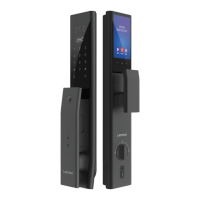
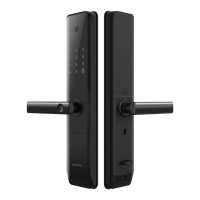
Identify key components like the number pad, RFID reader, fingerprint sensor, and emergency ports.
Perform a factory reset by pressing and holding a specific button.
 General
| Brand | Lenovo |
|---|---|
| Model | smart lock A1 |
| Category | Door locks |
| Language | English |

 To Next Page