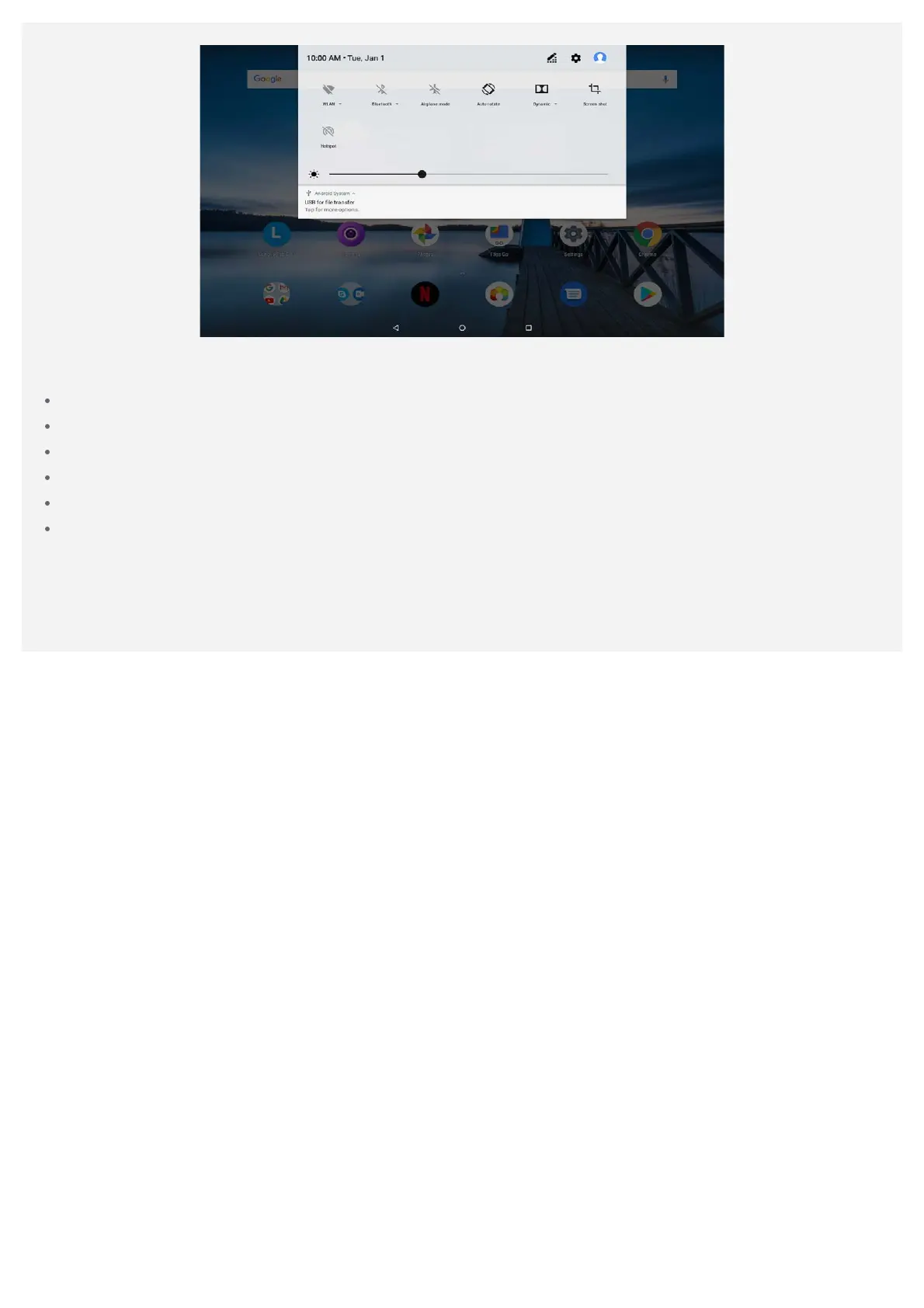
You can do any of the following:
To see notifications, swipe down from the top of the screen.
To close the Notifications panel, swipe up from the bottom of the screen.
To dismiss a notification, swipe left or right across the notification.
To dismiss all notifications, tap CLEAR ALL at the bottom of the Notifications panel.
To open the Quick Settings panel, swipe down from the top of the screen twice.
To close the Quick Settings panel, swipe up from the bottom of the screen.
Force shutdown/reboot
Press and hold the power button for about 10 seconds until the device turns off. Then turn it on
again in the normal way.



 To Next Page