
 Need help?
Do you have a question about the Lenovo ThinkCentre M720 and is the answer not in the manual?
Identifies and explains ports, buttons, and indicators on the front panel of the computer.
Identifies and explains ports and connectors on the rear panel of the computer.
 General
| Memory | Up to 64 GB DDR4 2666 MHz |
|---|---|
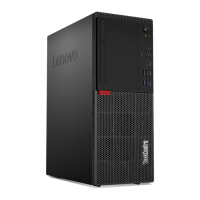
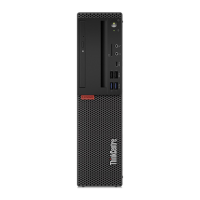
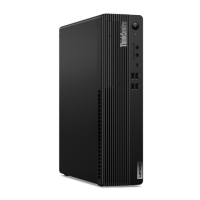
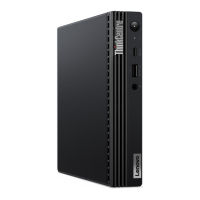
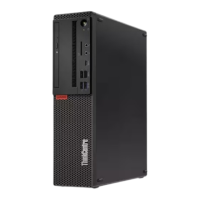
| Form Factor | Tower, Small Form Factor (SFF) |
| Chipset | Intel B360 |
| Processor Options | Intel Core i3, i5, i7 |
| Storage Options | Up to 2TB HDD, Up to 1TB SSD |
| Graphics | Integrated Intel UHD Graphics, Optional AMD Radeon RX 550, NVIDIA GeForce GT 730 |
| Ports | USB 3.1, USB 2.0, Ethernet, DisplayPort |
| Operating System | Windows 10 Pro |
| Power Supply | 210W |
| Dimensions (Tower) | 360 mm |
| Dimensions (SFF) | 92.5 mm x 290.5 mm x 343.5 mm |



 To Next Page