
 Need help?
Do you have a question about the Lenovo ThinkCentre M720t and is the answer not in the manual?
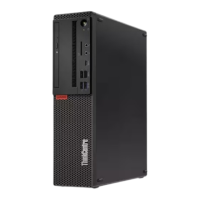
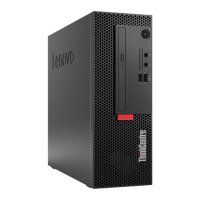
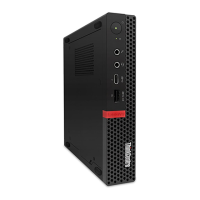
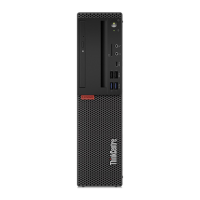
Identifies external components visible on the front of the computer.
Details external ports and connectors located on the rear of the computer.
Illustrates the layout and numbering of components on the computer's system board.
Lists all available input/output ports, expansion slots, and network capabilities.
Details power supply options, storage types, and audio/video features.
Explains how to secure the computer cover and manage the electronic lock feature.
Guidance on using cable locks and smart cable clips for device security.
Essential safety precautions, preparation steps, and static discharge prevention for hardware service.
Step-by-step instructions for safely removing and reinstalling the computer's outer cover.
Procedures for replacing 3.5-inch and 2.5-inch storage drives.
Procedures for removing and installing RAM modules.
Detailed instructions for replacing the computer's power supply unit.
Comprehensive guide for removing and installing the main computer system board.
 General
| Memory | Up to 64 GB DDR4 |
|---|---|
| Operating System | Windows 10 Pro |
| Processor | Up to 9th Gen Intel Core i7 |
| Storage | Up to 1TB SSD |
| Graphics | Intel UHD Graphics 630 |
| Ports | USB 3.1 Gen 1, USB 3.1 Gen 2, USB-C, DisplayPort, Ethernet, audio |
| Weight | 7.4 kg |
| Expansion Slots | 1 x PCIe x16, 1 x PCIe x1, 1 x PCI, 2 x M.2 |


 To Next Page