• Disconnect and reconnect the display cable.
4. The colors of the images on the external display are not correct.
• Ensure that the display cable is securely connected to the dock.
• Adjust color settings of the external display. See “Configure the external displays” on page 7.
5. The computer can play back flash content. However, when I drag the window to the external
display and maximize the window, the playback stops.
Update your Adobe Flash Player program to the latest version.
10
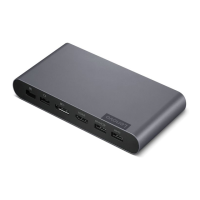
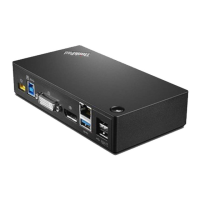
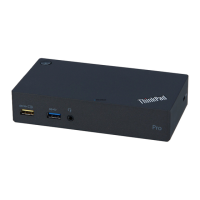
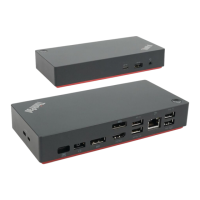
Lenovo USB-C Dock (Windows Only) ThinkPad Universal USB-C Dock ThinkPad Universal USB-C Dock v2 ThinkPad Universal
USB-C Smart Dock User Guide


 To Next Page
 Loading...