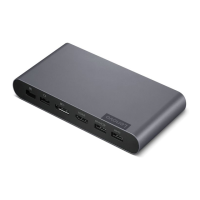
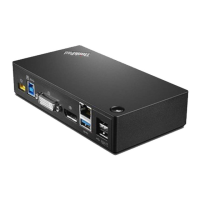
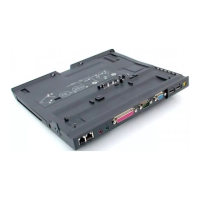
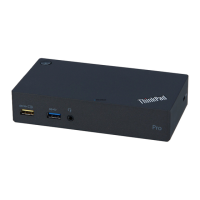
Product overview
Item
Description
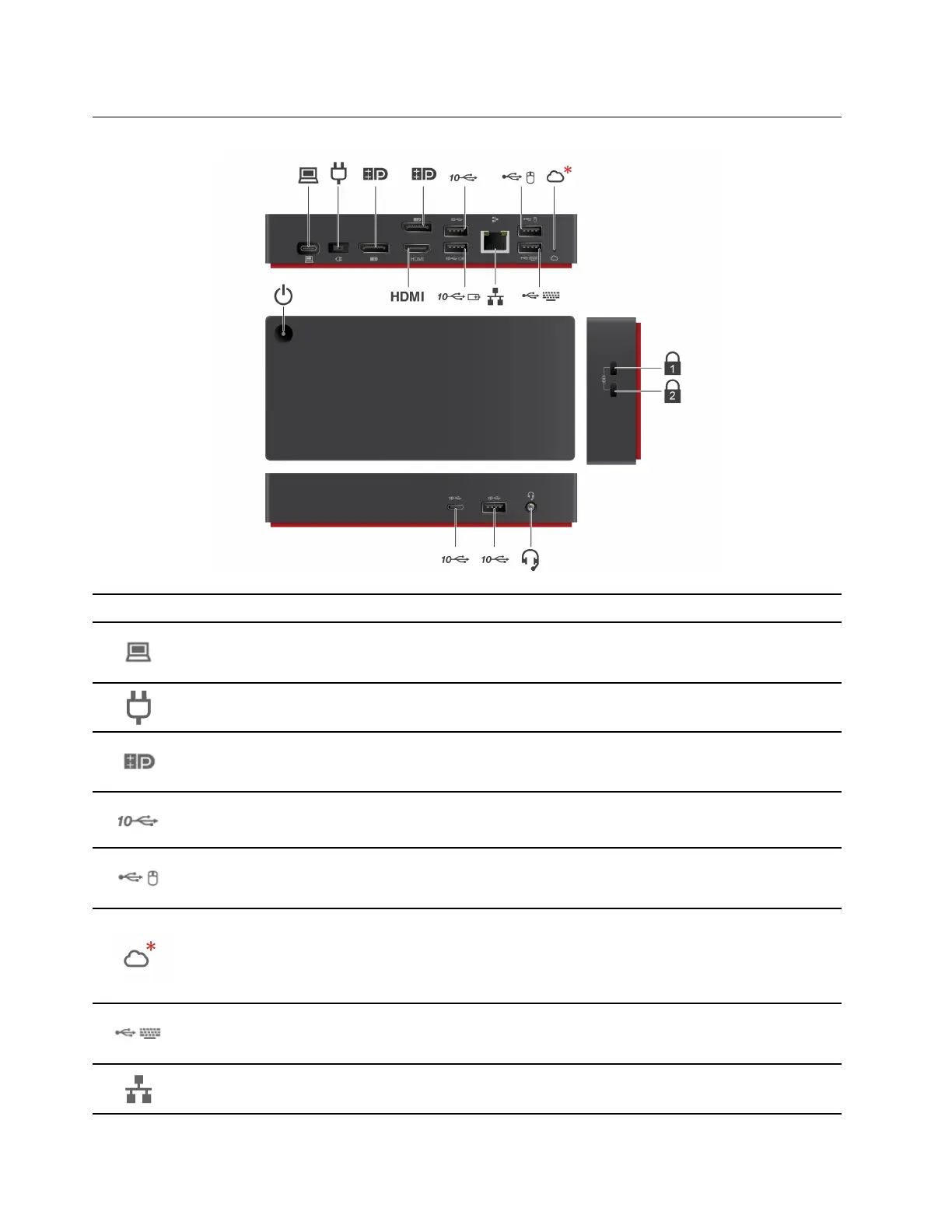
USB-C connector (for connecting computer)
Connect to your computer with the accompanying USB-C cable.
Power connector
Connect to ac power with the accompanying ac power adapter and power cord
DisplayPort
®
connector
Connect to an external display with a DisplayPort cable.
USB 3.2 connector Gen 2
Connect a compatible device to transfer data at USB 3.2 speed, up to 10 Gbps.
USB 2.0 connector
Connect a USB device, such as mouse.
Cloud indication (* For ThinkPad Universal USB-C Smart Dock only)
Indicates the cloud connection status.
• Solid amber: Disconnected
• Blinking amber (1 second on/off): Connecting
• Solid green: Connected
USB 2.0 connector
Connect a USB device, such as keyboard.
Ethernet connector
Connect to a LAN with an Ethernet cable.
2 Lenovo USB-C Dock (Windows Only) ThinkPad Universal USB-C Dock ThinkPad Universal USB-C Dock v2 ThinkPad Universal
USB-C Smart Dock User Guide


 To Next Page
 Loading...