Chapter 2. 2-5
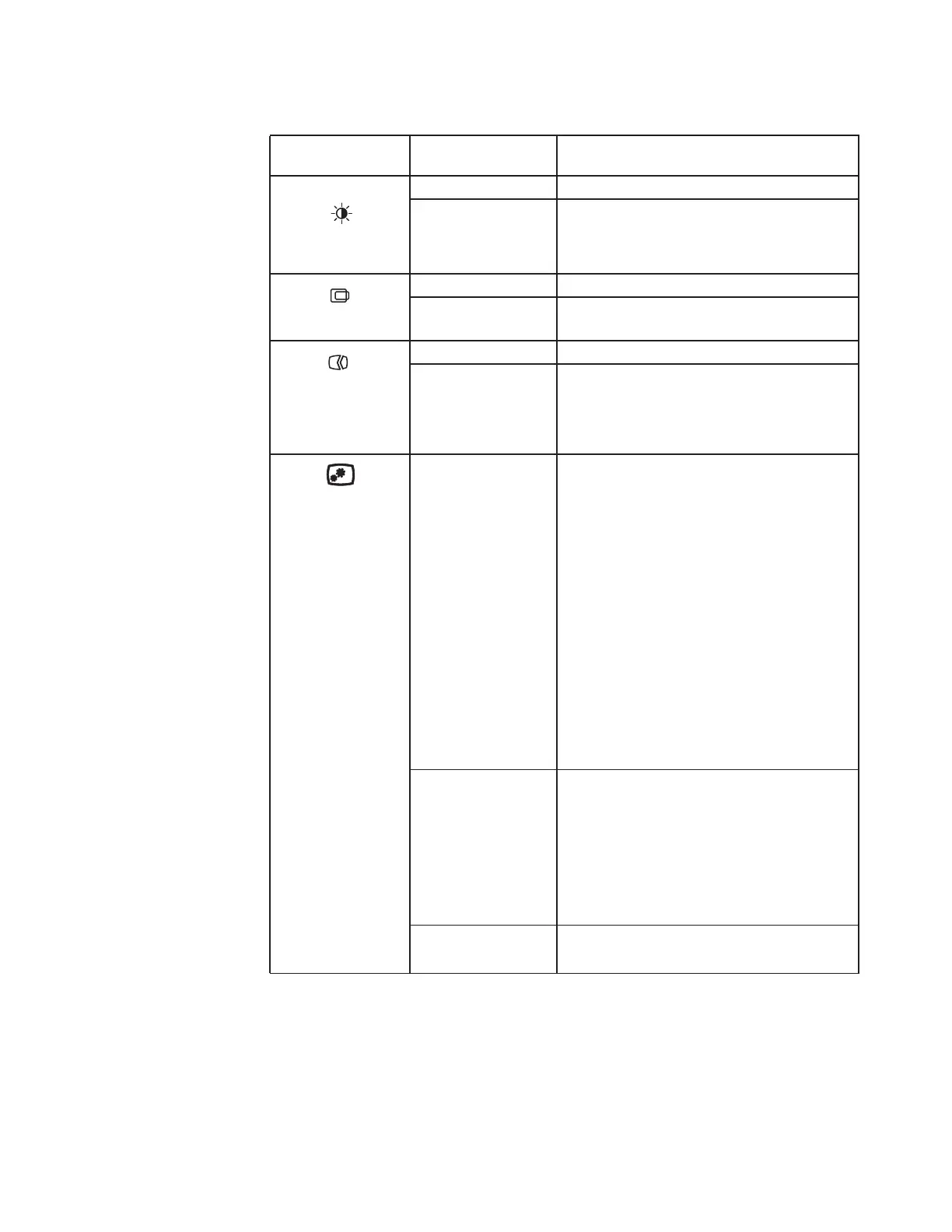
Table 2-1. OSD functions
OSD Icon on Main
Menu
Submenu Description
Brightness/
Contrast
Brightness Adjusts overall screen brightness.
Contrast Adjusts difference between light and dark areas.
Image Position
Horizontal Position Moves image left or right.
Vertical Position Moves image up or down.
Image Setup
Automatic Optimizes image (size, position, phase and clock).
Manual Manually optimizes image. See "Manual image
setup"on page 3-4.
• Clock
• Phase
Image Properties
Color Adjusts intensity of red, green, and blue.
Preset mode
• Neutral
• sRGB
• Reddish
• Bluish
Custom
• Red: Increases or decreases the saturation of
Red in the image.
• Green: Increases or decreases the saturation of
Green in the image.
• Blue: Increases or decreases the saturation of
Blue in the image.
Scaling Selects type of scaled image.
Original AR
Same Aspect Ratio with input signal.
Full Screen
Expand image to full screen.
Over Drive • On
•Off



 To Next Page