Need help?
Do you have a question about the Lenovo V145-15AST and is the answer not in the manual?
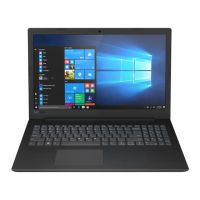
Describes the top view of the laptop, showing key components and their locations.
Details the connectors and components located on the left side of the laptop.
Illustrates the right side of the laptop, including the optical drive and security slot.
Guide on how to restore the computer from a system restore point.
Instructions for resetting the computer, with options to keep or remove files.
Steps for using a recovery drive to restore or recover the Windows operating system.
 General
| Storage | Up to 1TB HDD or 256GB SSD |
|---|---|
| Operating System | Windows 10 Home |
| Wireless | Wi-Fi 802.11ac, Bluetooth 4.1 |
| Processor | AMD A9-9425 |
| Display | 15.6-inch HD (1366 x 768) Anti-glare |
| RAM | Up to 8GB DDR4 |
| Graphics | Integrated AMD Radeon R5 |
| Battery | 30Wh |
| Ports | 2 x USB 3.0, HDMI, Headphone / mic combo |


 To Next Page