8. Chapter search, Time search
Press GOTO during disc play and press direction keys to select among the following
options:
1) Title: To display current title. You can input the title number to be played.
2) Chapter: To display current playing chapter. You can input the chapter number to be
played.
3) Time: To display the current playing time. You can input the time to be played
After choosing, press ENTER and exit the menu.
9. Zoom Function (Only effective for DVD, SVCD, VCD)
To zoom in or zoom out the certain motion pictures or still image
1) During disc play, press ZOOM to zoom into 2x.
2) Press ZOOM in turn to zoom into 3x. 4x and zoom out 1/2x. 1/3x and 1/4x.
3) When resuming to the original image, press ZOOM until the zoom disappears.
10. MP3 Disc Play
1) Place the disc into the DVD player. The screen will display the disc menu and the
machine automatically play.
2) Directory selection; Press ◄to move the cursor to the directory area (the left side of
the screen) . Press ▲or ▼to select one folder and press ENTER to confirm
3) Chapter Selection: Press◄ to move the cursor to chapter area (the right side of the
screen) . Press ▲or ▼to select one folder and press ENTER to play
4) Choose the chapter with remote control: If the song quantity is under 10, you can choose
directly with the numerical buttons on the remote control.
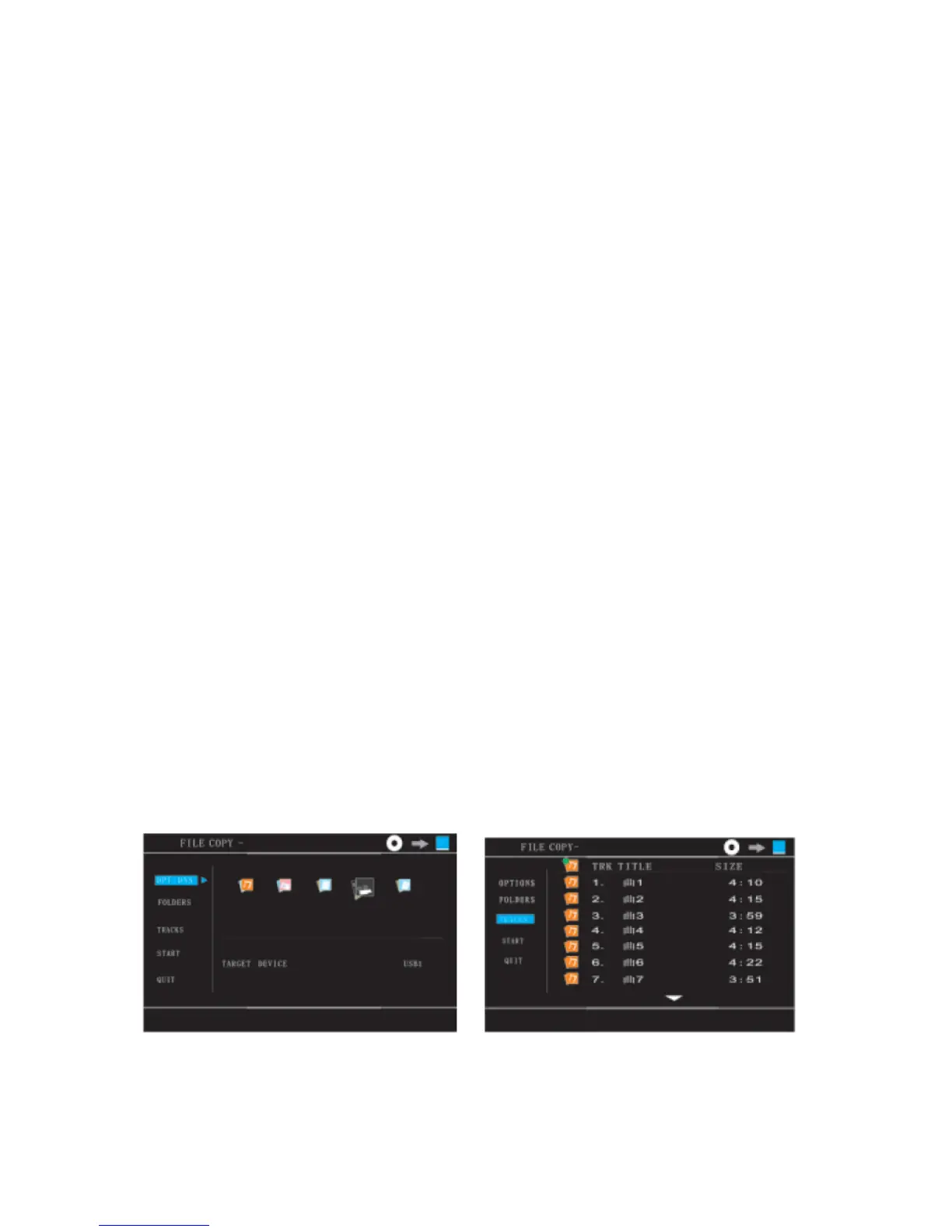
CD copying to USB flash stick
When playing a CD/MP3 disc, insert a USB flash stick to the USB port on the DVD player, press the
COPY button.
Press the up/down buttons on the remote control to move the cursor to TRACKS.
Press the right arrow button on the remote control to move the cursor to the TRK TITLE menu.
Press the enter button on the remote control to choose all tracks.
Press the up/down buttons on the remote control to move the cursor to the track to be reproduced
and press the enter button to confirm.


 To Next Page