1 x Remote control (batteries not included,
requires 2 x AAA batteries)
Please check the contents of the packaging carefully.
INSTALLATION
Indoor Use
1. Locate a spare mains outlet and turn it OFF.
2. Plug the supplied AC adaptor into the outlet.
3. Connect the other end to the SC9-12V/2A DC power input socket on the side of the DVD player.
4. Turn the main outlet ON.
5. Turn the main Power Switch on the Player to the ON position.
In-car Use
1. With the vehicle ignition off, connect the supplied car charger to the vehicle power outlet.
2. Connect the other end to the SC9-12V/2A DC power input on the side of the DVD player.
3. Turn the vehicle ignition to ON or ACC to power the outlet and slide the DVD player power
switch to the ON position.
Note: Care should be taken with all cable and connections with the DVD player.
Please ensure that there is no tension on any connection as this may damage the units.
Tidy any excess cabling to trip hazards that may damage the player.
PLAYBACK
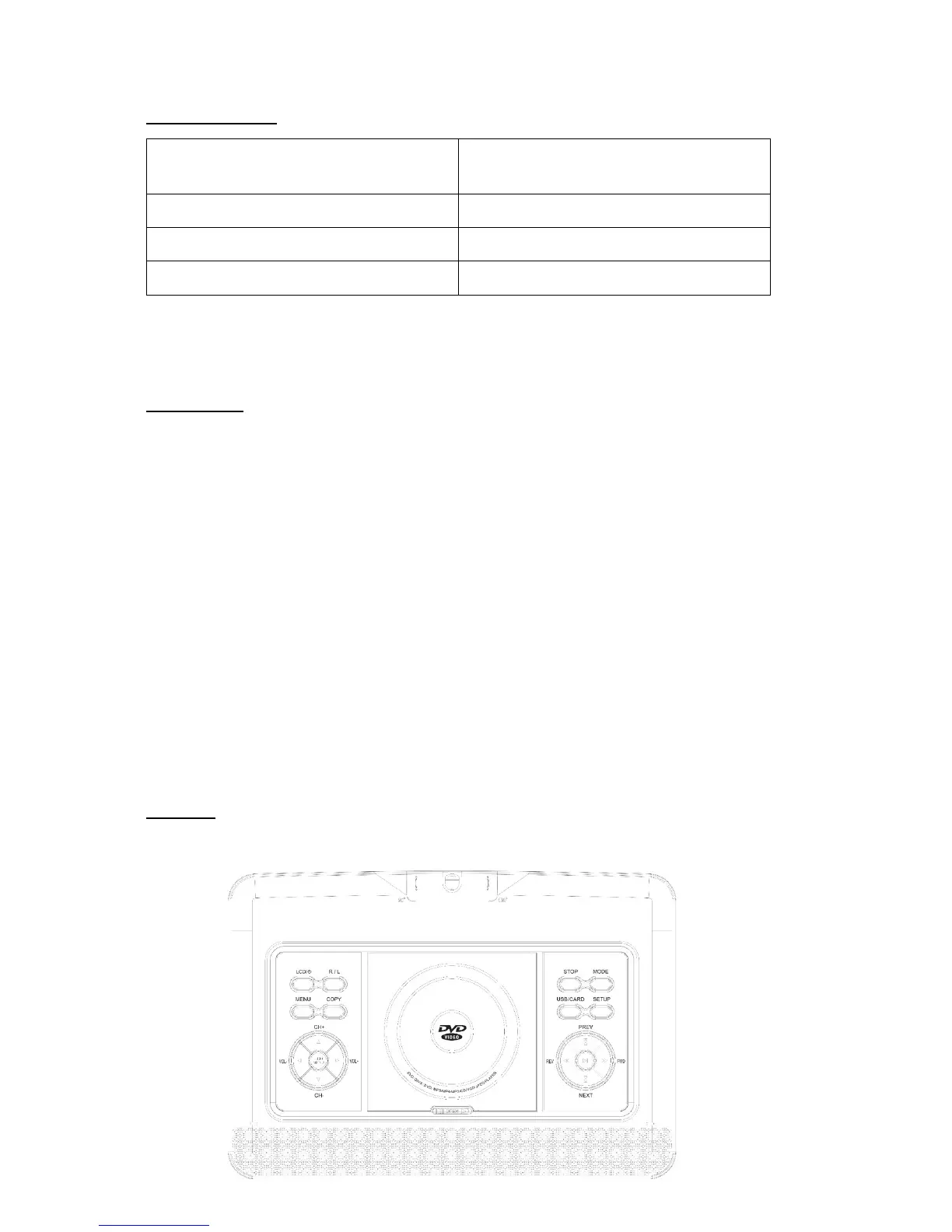
Panel:


 To Next Page