6
HOW TO RECORD MUSIC INTO COMPUTER
Setting up the USB Turntable
●Remove all packaging from the unit.
●Ensure that the security latch is closed so that the tone arm is not free to move.
●Ensure unit is on a solid level surface, away from sources of heat, sunlight, etc.
●Remove the protective stylus guard from the tone arm cartridge by gently pulling
forwards.
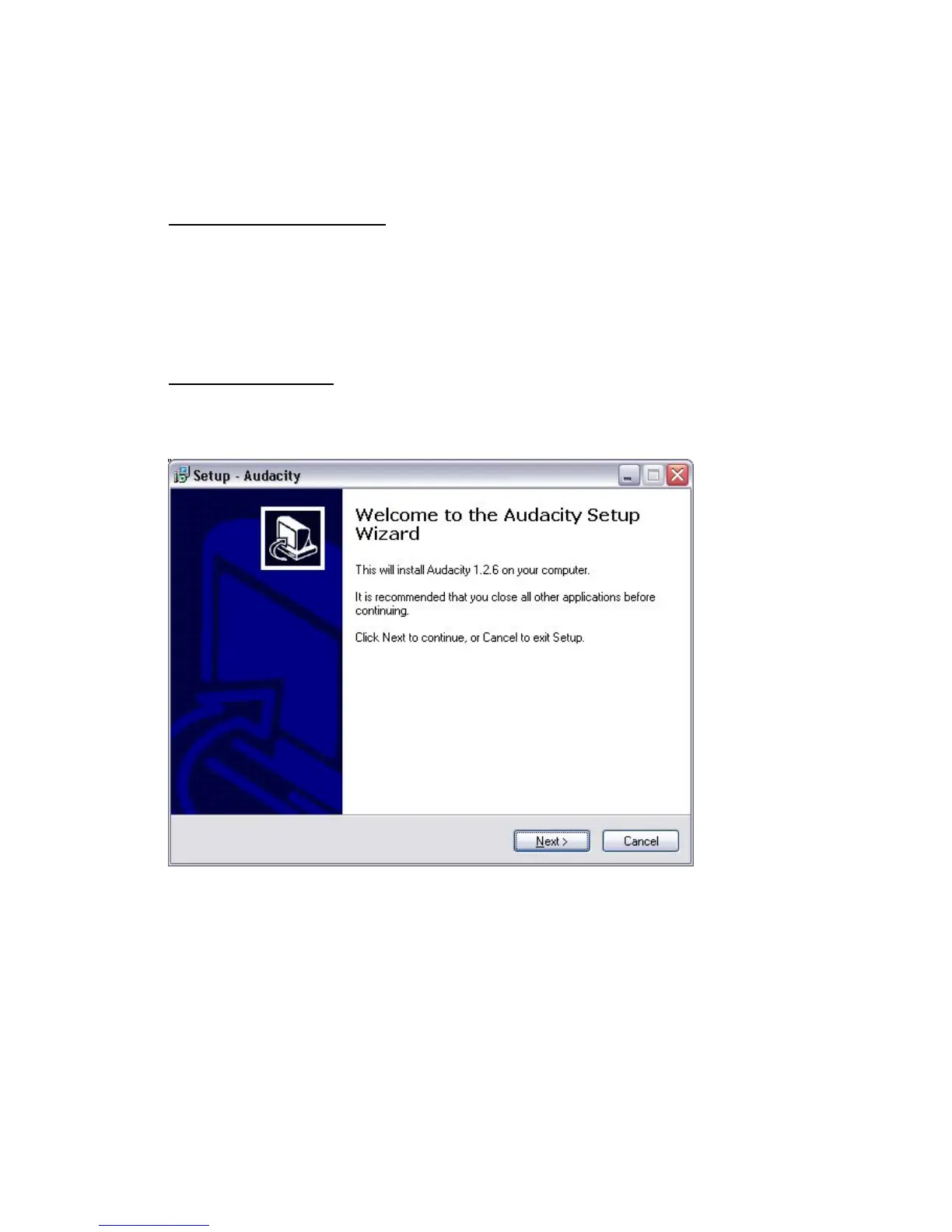
Installing the software
●Place the supplied CD into the drive of your computer, follow the instructions and the
software will automatically install as follows:
●Click ‘Next’


 To Next Page