8 Tips for use
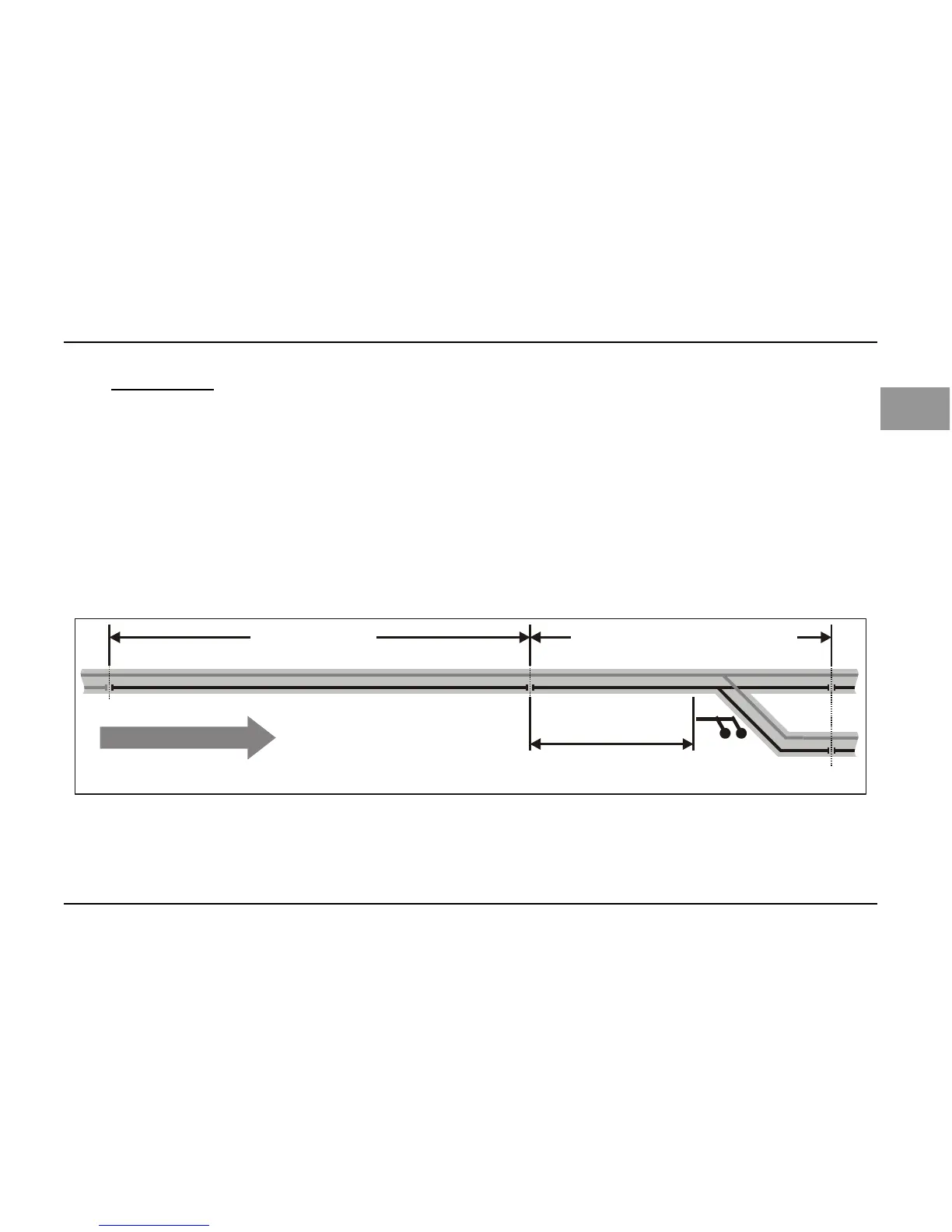
8.1 Extended slow approach section
Do you want your train to stop in front of a signal indicating "Stop", while continuing slowly after a
signal indicating "Slow approach"?
No problem: Simply extend the braking section beyond the signal's location, for example, beyond
the points after the signal.
Set the constant braking distance in the decoder so that the locomotive stops in front of a signal
indicating "Stop". If the signal indicates "Slow approach", the locomotive will continue slowly until the
end of the braking section and, only then, accelerate to its original speed.



 To Next Page