22 Information LR101
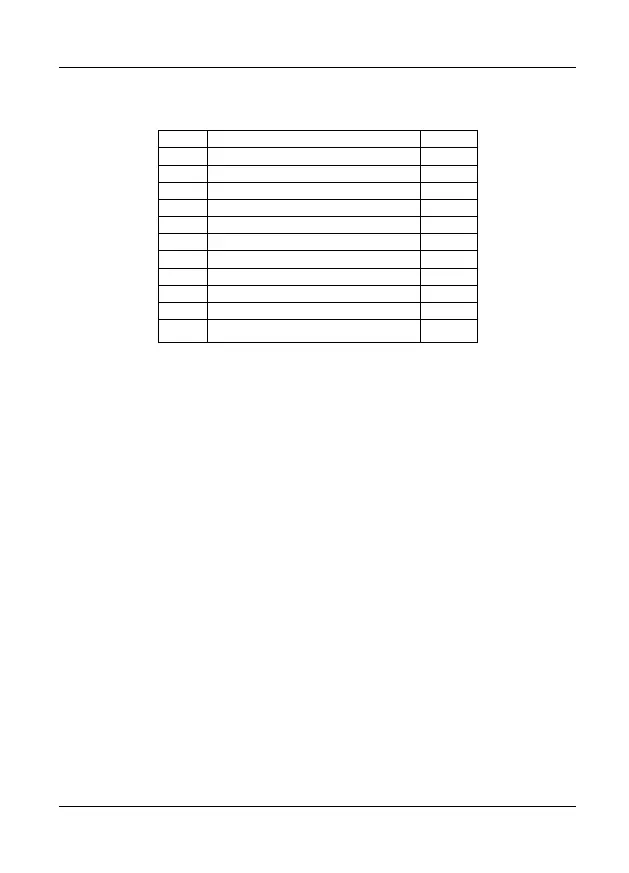
7.1 Ex-works, CVs are set as follows:
CVs other than those listed here are not supported. CVs marked (*) can be read
out but not altered.
7.2 Programming the address and delay times
You can choose between 2 different procedures:
3. Programming at the programming output of your digital system. This
procedure is used before installation. You can set the address and input
features.
4. Programming in operational mode. This procedure is possible only if the
LR101 is already installed on your layout. You can only change the address.
7.2.1 Programming at the programming output
Connect terminals
to the programming output of the Digital plus system
(terminals P and Q). Figure 2 illustrates the connection to the command station
LZ100. The connection to the command station LZV100/LZV200 is effected
accordingly.


 To Next Page