Operation
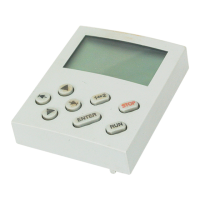
Description of the display e lements
6
EDK82ZBC DE/EN/FR 3.1
51
H1_Bedienung-M5user2all
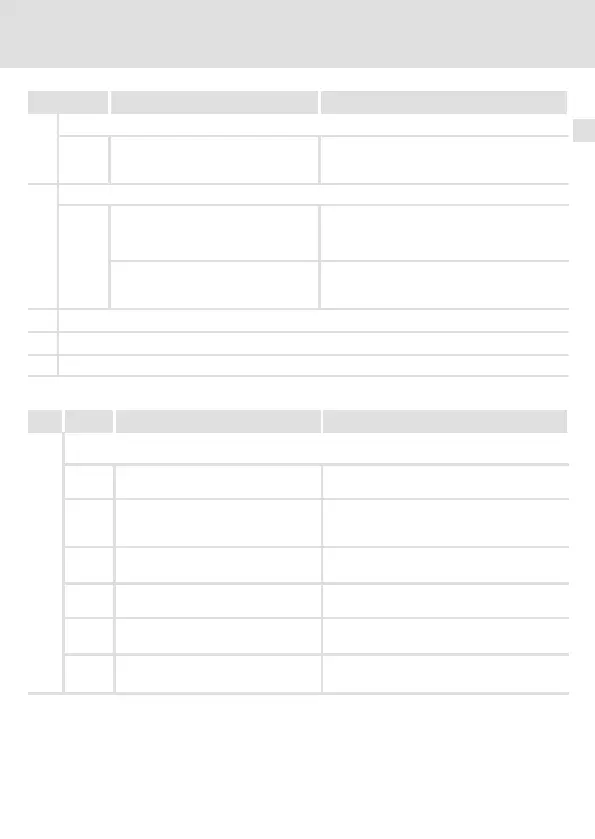
ExplanationMeaningDisplay
Bar graph display
Value set in C0004 in %
(Lenze setting: Device utilisation
C0056)
Display range: - 180 % ... + 180 %
(1mark=20%)
Parameter set display
In the mode:
Display of the parameter set activated
via digital signal
Otherwise:
Display of the parameter set active for
changing
Select the individual parameter sets in the
mode in the function bar 2
Code number display
Subcode number display
Display of parameter value or fault message
Pos. Key Function Explanation
Function keys
Enable controller For operation with a function module, the
X3/28 terminal must be set to HIGH level.
Inhibit controller (CINH) or quick stop
(QSP)
Configuration in C0469; inactive if the
standard device is running in manual mode
(C0410/17)
Change between function bar 1 ↔
function bar 2
To the right/left in the active function
bar
The active function is framed.
Increase/decrease value
Quick change: Keep the key pressed
Only blinking values can be changed.
Store parameters if is blinking
Confirmation by STOre in the display



 To Next Page