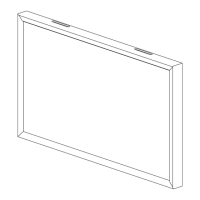
2 Studio Frame
BEFORE INSTALLATION
Mitered corners on your frame can be sharp. Handle with care.
Please install and/or uninstall the frame with 2 or more people.
Always remove frame first before removing display from the wall bracket.
Do not apply force to the screen of your display.
Choose an installation location free of physical obstructions behind or within the wall.
Working near electrical equipment and wires poses an electrocution hazard. Turn off nearby electrical circuits from
the breaker. Use a non-contact voltage tester to confirm that the installation location is free of live electrical wires and
equipment prior to cutting or drilling into the wall. Contact a qualified electrician before making any modifications to
electrical wiring.
Determine the potential hazards of working with hand or power tools and take the appropriate safety precautions. Use
personal protective equipment (PPE) as appropriate, including, but not limited to: vision, hearing, and respiratory protection.
Consult local building and/or electrical codes prior to installation of speakers, cabling, or electrical equipment.
Estimated frame assembly time 15-20 minutes. Estimated app installation time 5-10 minutes.
NOTE: To gain full functionality of your Sony remote control, you will need to add an IR repeater to your installation.
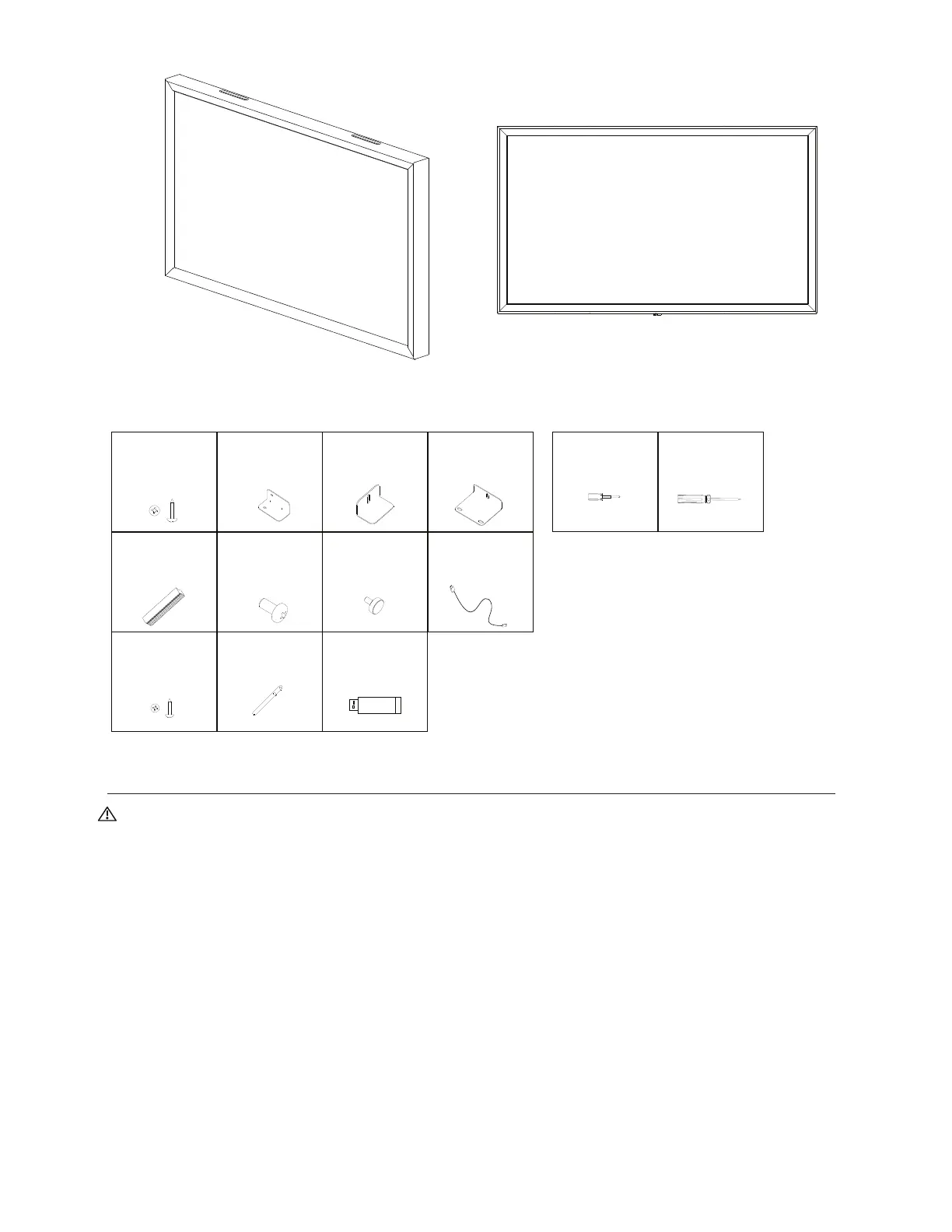
A
16X
#6-1/2” Phillips Head
Screw
WHAT’S INCLUDED TOOLS REQUIRED
Phillips Head
Screwdriver
(PH2:1-1/2)
Drawings not to scale
Flathead Screw Driver
B
4X
Corner Brace
C
2X
Display Clamp
D
2X
Frame Mount Bracket
E
4X
46mm Dovetail Joiner
F
4X
M5 x 10mm Phillips
Head Screw
G
4X
M5 x 10mm Thumb
Screw
H
1X
Sensor USB Cable
I
2X
#4-1/2” Philips Head
Screw
J
2X
VESA Hem Bar
K
1X
App Installation USB


 To Next Page
 Loading...