Install the Fitdays App
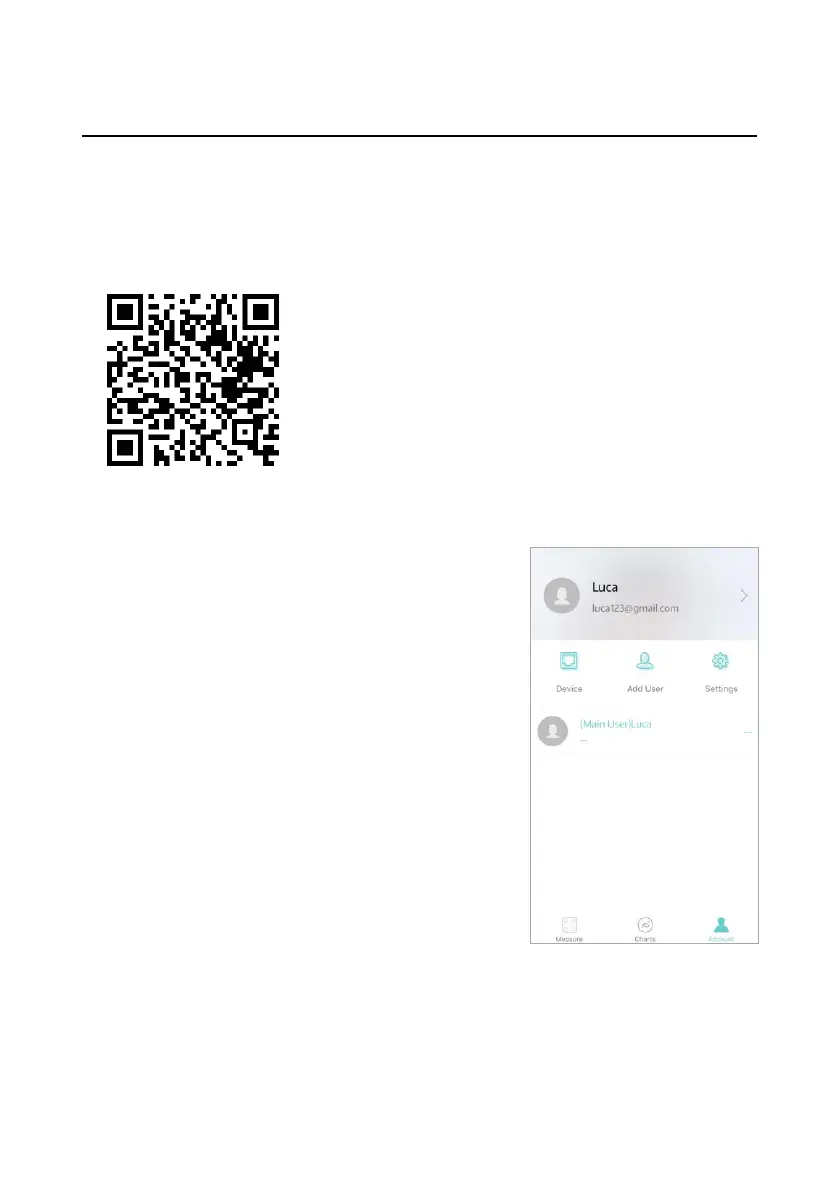
Search for "Fitdays" in App Store or Google play, or scan the
QR code below to download and install the App to connect to the
device.
Please make sure that your device meets the
following requirements:
⚫ iPhone/iPad/iPod touch running iOS 8.0
and above.
⚫ Android 4.3 and above and equipped
with Bluetooth 4.0.
Once you have downloaded the App, enter
the homepage of the App to log in or
register, and properly set the device for the
current user for initial use.
Each user needs to tap [Account] - [Add
user] to complete a personal profile.
Note: It is essential to complete your
personal profile because the data you enter
(gender, birthday, height) is necessary to
provide you with the most
accurate information.


 To Next Page