Notes:
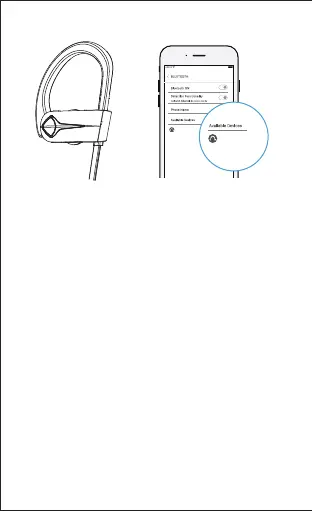
● When the headphones are on but are not paired
with your phone or other Bluetooth devices, they
will be automatically off in about 5 minutes (to
enter pairing mode again, turn on the
headphones).
● The headphones will directly enter pairing mode
the first time you turn them on, and they will
connect to the last paired Bluetooth device
automatically when turned on.
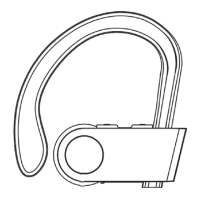
● To have the headphones enter the pairing mode
when the headphones have been paired with a
Bluetooth device, turn off the headphones and
press and hold the MFB button for 5 seconds
(indicator flashes red and blue alternately).
-6-
4) Enter "0000" or "1234" if your phone or
Bluetooth device asks you to enter a code to
pair.


 To Next Page