-11 -
Getting to Know Your Watch
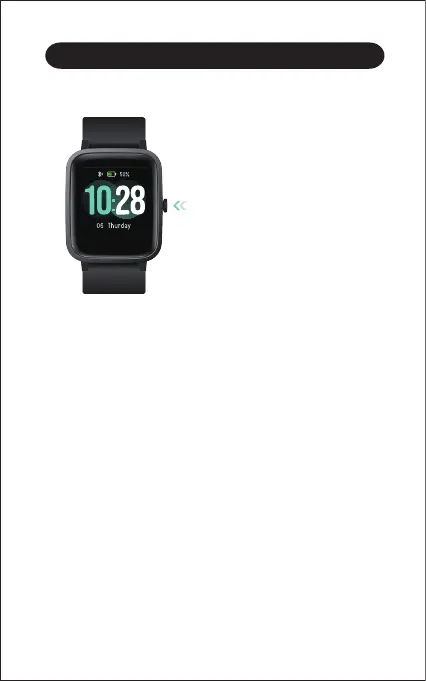
Function Button
Watch Interfaces
This is a touch screen; swipe the screen to go to different
interfaces, and tap to enter the function.
The home screen is a clock. On the clock:
● Swipe down to see notifications.
● Swipe up to see your daily stats.
● Swipe left to see the function list.
● Swipe right to see the status bar. (automatic heart rate
monitoring, wrist sense, do not disturb, find my phone).
● Press the function button to
wake the screen or return to
the previous interface.
● Press and hold the function
button to turn on the watch.



 To Next Page