- 12 -
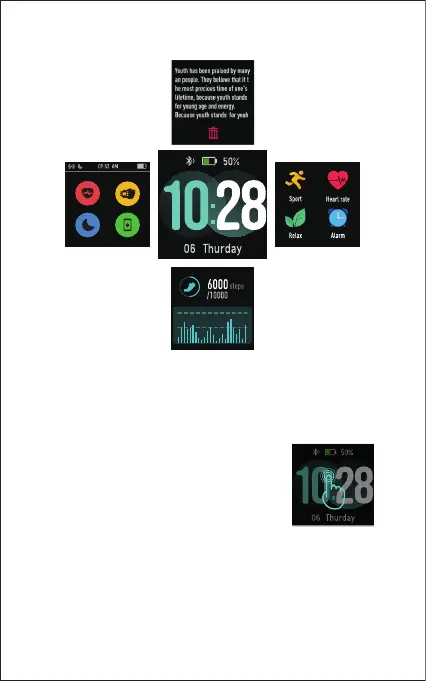
fig. 1
Notifications
Function list
Daily stats
Status bar
(automatic heart rate
monitoring, wrist
sense, do not disturb,
find my phone).
You can customize the home screen by
following the steps below:
1) Tap and hold the home screen.
2) Swipe down to choose one and tap to
confirm.
After the watch is bound to the app, the home screen will display
the time and date as shown in fig. 1.
Wake a Dimmed Screen
To conserve power, the watch has a standby mode in which the
screen turns off. To wake the screen, turn your wrist towards
you or press the function button.



 To Next Page