- 13 -
Function Introduction
1. Tracking Sports
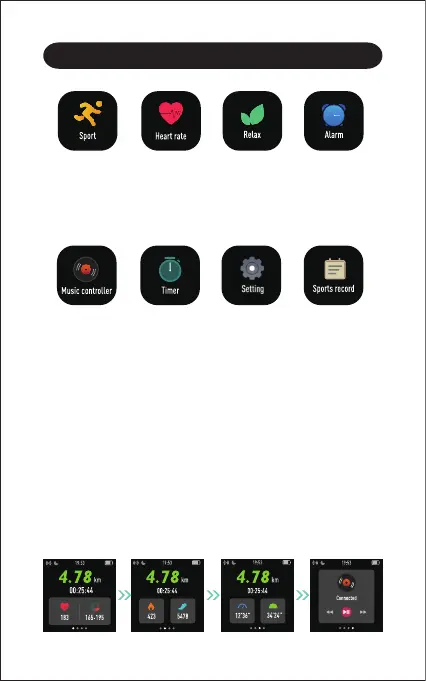
The watch tracks your exercise data in up to 8 sports modes.
Start a sport
Tap "Sport" → Swipe the screen to view sports modes →
Tap the sport you choose to start.
Control the music
playing of your
smartphone.
Timing and
countdown.
Your recent
sports record.
Some basic
settings of the
watch.
Tracks your
exercise data in up
to 8 sports modes.
Tracks your
real-time heart
rate automatically
and continuously.
Guides your
breathing for a
relaxation.
Set alarms in the
app to have the
watch vibrates to
wake you up, take
pills, and more.
During sports
● Swipe the screen left / right to flip through exercise data and
control the music playing on your phone.
● Press the function button to pause / resume the sport.



 To Next Page