- 14 -
End the sport
Press and hold the function button to end the sport → Tap "√" to
confirm.
Exercise data is displayed after the exercise has ended. Swipe
up the screen to flip through exercise data:
Notes:
● After ending an exercise, you can view detailed data and
graphs in the app (Go to the "Training" page, swipe down the
page to synchronize data, and tap the exercise you just
ended).
● Data of exercises less than 1 minute will not be saved.
● When the battery level is less than 20%, you cannot start a
sports mode. Please charge the watch to operate it again.
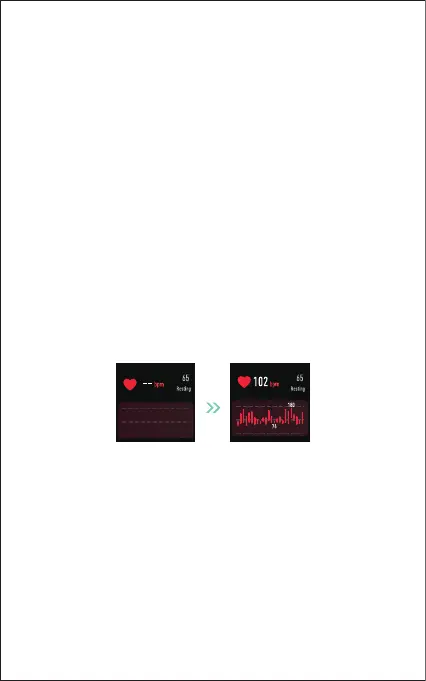
2. Monitoring Heart Rate
The watch tracks your real-time heart rate automatically and
continuously. You can also view your detailed heart rate data on
the watch screen or in the app.
Note:
To monitor heart rate more accurately, wear the watch on the
upper position of your wrist and a bit tighter than usual when
you exercise. In addition, complete your profile in the app.



 To Next Page