Notes:
• This app is not optimized for tablet.
• DO NOT pair the device with your phone in your phone’s Bluetooth
settings. Pair the device with your phone in "Moving life" app.
3
3) Confirm the privacy policy.
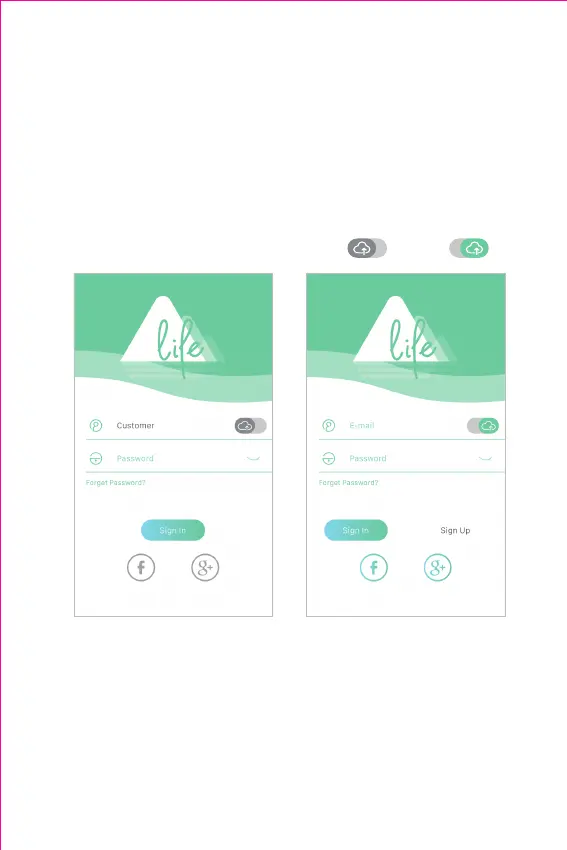
4) Tap "Sign Up" to sign up your account with your email address.
5) Follow the guidelines in the app to set up your profile (complete your
profile is important, which could affect the accuracy of your health
data).
6) Step onto the scale with bare feet to activate the scale.
7) Tap "Body Analyzer"→"Body Analyzer Scale B2A" to pair.
2. Pair the Scale with Phone
Pair the Scale with Phone with an Account
1) Turn on the Bluetooth of your phone.
2) Open "Moving life" app and swipe right the " " icon to " ".



 To Next Page