Notes:
• The scale has to be on during the pairing process.
• Connection status:
1) Connected:
The Bluetooth symbol " " keeps on on the scale LCD screen.
2) Not connected:
The Bluetooth symbol " " is flashing on the scale LCD screen.
• The scale can be connected to up to eight phones (accounts) but only one
user can be added in an account at the same time.
• To unbind the scale with your phone, go to Account page of the app, tap
"Body Analyzer Scale B2A" under "My Devices". To bind the scale with your
phone again, go to Account page → "My Devices" in the app, tap "Add
Devices" → Body Analyzer → "Body Analyzer Scale B2A".
5
Pair the Scale with Phone Without an Account (By default)
1) Turn on the Bluetooth of your phone.
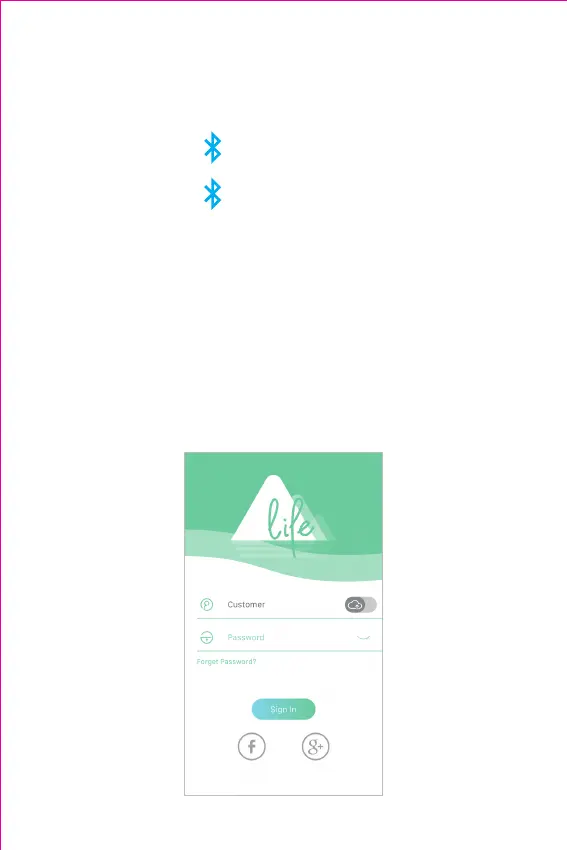
2) Open "Moving life" app, tap "Sign in" and follow the guidelines in the
app to set up your profile (complete your profile is important, which
could affect the accuracy of your health data).



 To Next Page