- 18 -
8. More Functions
8.1 Call Notification
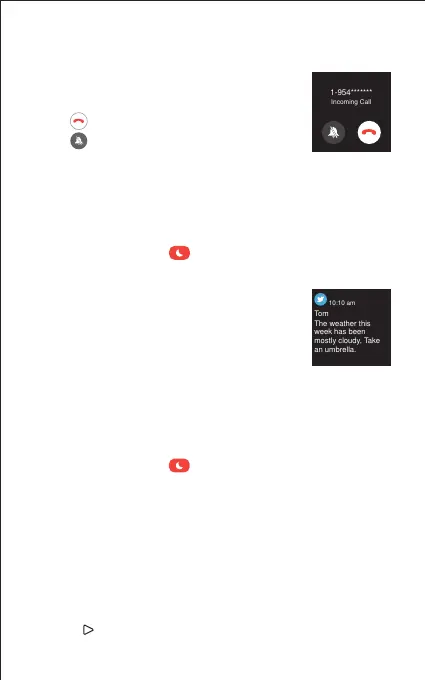
When there is an incoming call, the watch vibrates
to alert you, and the screen displays the caller ID.
Tap " " on the watch screen to reject the call.
Tap " " to turn on vibration-free mode.
8.2 Message Notification
When messages (like Facebook, Twitter, and
Instagram messages) come in, the watch vibrates
to alert you, and the screen displays the message
content.
8.3 Sedentary Reminder
The watch vibrates to remind you to get up and move around
when you have been sitting too long (Go to "Activity" page →
"Active Hours" → "Sedentary Alert Settings" → enable the
movement reminders function and set the remind interval.)
Notes:
● Only when "Notification alerts" is enabled in the app ("Settings"
page → "IW1" → "Notification alerts"), will calls be notified.
● When the "Do not disturb" function is enabled in the app
("Settings" page → "IW1" → "Do Not Disturb") or on the watch
(Quick settings bar → ), calls will not be notified on the
watch during the do-not-disturb period.
Notes:
● Only when "Notification alerts" is enabled in the app ("Settings"
page → "IW1" → "Notification alerts"), will messages be notified.
● When the "Do not disturb" function is enabled in the app
("Settings" page → "IW1" → "Do Not Disturb") or on the watch
(Quick settings bar → ), messages will not be notified on the
watch during the do-not-disturb period.
8.4 Stopwatch
1) Tap "Stopwatch" to enter the function.
2) Tap " " to start.
Twitter



 To Next Page