EasyManua.ls Logo

Leuze MLD 300 - User Manual

Leuze MLD 300
120 pages
Print Icon
To Next Page IconTo Next Page
Loading...
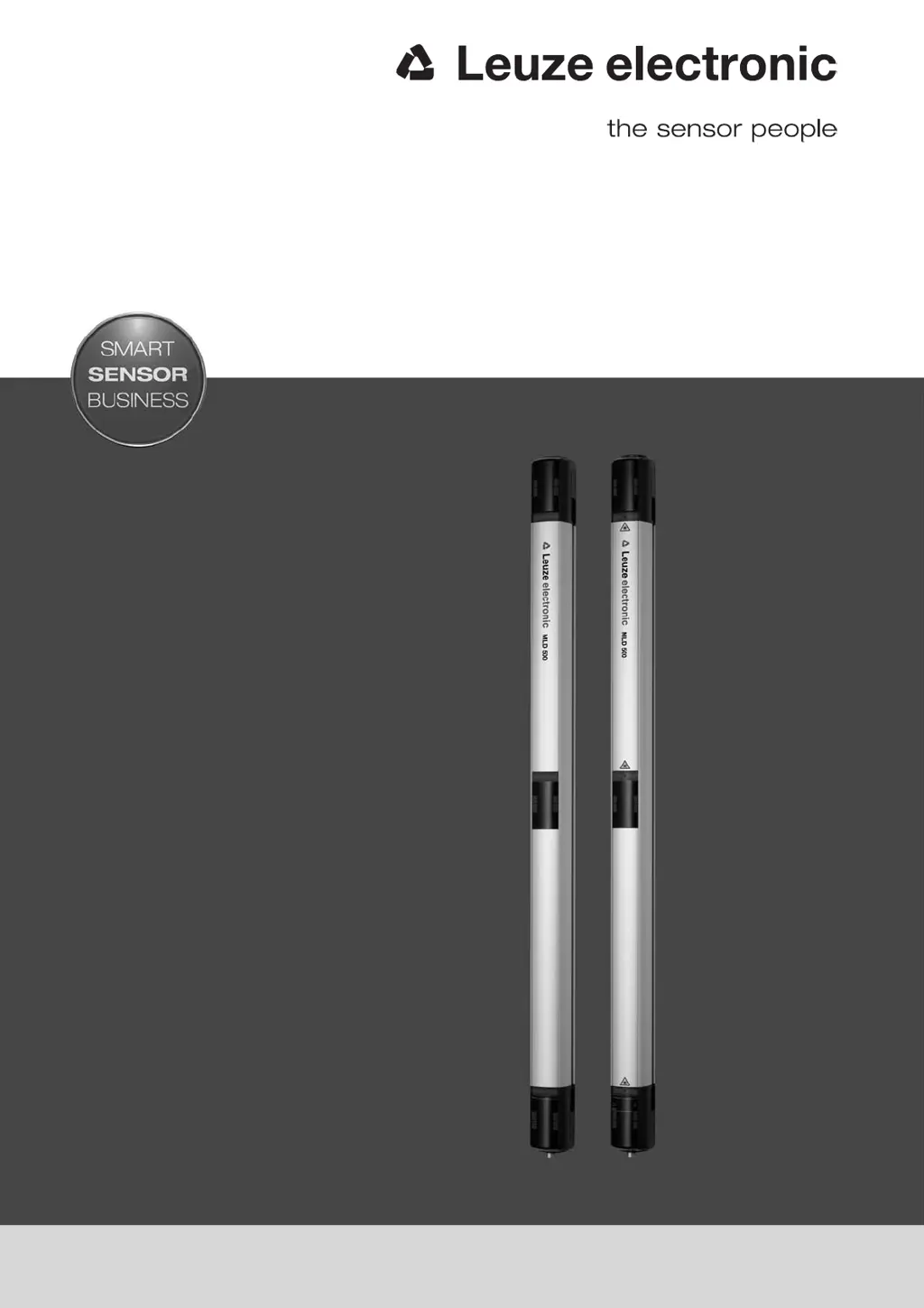
MLD 300, MLD 500
Multiple light beam safety devices
SAFE IMPLEMENTATION AND OPERATION
Original operating instructions
EN 2016/02 - 607342
We reserve the right to
make technical changes

Table of Contents

Questions and Answers

  • A
    Anthony WalkerSep 12, 2025
    What to do if Leuze MLD 300 display error U51?
    • S
      Stephanie MillerSep 12, 2025
      If the Leuze Security Sensors display error U51, only one muting signal is active during a protective field violation, and the second muting signal is missing. Check the mounting of the muting sensors and the triggering of the muting signals.
  • T
    Timothy ShannonAug 25, 2025
    What to do if Leuze MLD 300 display error E02?
    • J
      John SanchezAug 25, 2025
      If the Leuze Security Sensors display error E02, it means there is an overload on OSSD1. To resolve this, check the wiring or replace the connected component, thus reducing the load.
  • R
    richardhallAug 25, 2025
    What to do if Leuze MLD 300 Security Sensors display error E03?
    • T
      Travis SantanaAug 26, 2025
      If the Leuze Security Sensors display error E03, it indicates an overload on OSSD2. To fix this, examine the wiring or replace the connected component to reduce the load.
  • K
    Kimberly SmithSep 23, 2025
    What to do if Leuze Security Sensors display error 8 or .?
    • J
      Joshua RiosSep 23, 2025
      If the Leuze Security Sensors display error 8 or ., it means that there was an error during uploading. Disconnect the device from the voltage supply for 5 seconds.
  • C
    Charles MillsSep 12, 2025
    What to do if Leuze MLD 300 display error U54?
    • N
      Nicole GarciaSep 12, 2025
      If the Leuze Security Sensors display error U54, it indicates a missing additional muting control signal (muting-enable). Check the connection of the muting sensor and the triggering of the muting-enable signal. Reconnect the muting sensor, if applicable, and activate it with a restart.
  • L
    Laura LambertSep 18, 2025
    What does it mean if LED2 on the receiver (with MLD 500/AS-i) is red on Leuze Security Sensors?
    • L
      Lawrence MurilloSep 18, 2025
      If LED2 on the receiver (with MLD 500/AS-i) on Leuze Security Sensors is red, it indicates that the AS-i slave is not communicating with the AS-i master. Check the connection of the AS-i master with the AS-i slave, correct the AS-i address of the AS-i slave, or correctly set the AS-i profile in the AS-i master.
  • C
    Cheryl RichmondSep 5, 2025
    What to do if LED1 on the receiver is green and slowly flashing (approx. 1 Hz) on Leuze Security Sensors?
    • O
      owhiteSep 5, 2025
      If LED1 on the receiver of Leuze Security Sensors is green and slowly flashing (approx. 1 Hz), it indicates a weak signal due to soiling or misalignment. Clean the front screen and check the alignment of the transmitter and receiver.
  • N
    Nicole HammondSep 6, 2025
    What to do if Leuze MLD 300 display error E19?
    • A
      Anthony McdanielSep 6, 2025
      If the Leuze Security Sensors display error E19, it means a foreign transmitter has been detected. Remove any foreign transmitters and increase the distance to reflective surfaces.
  • J
    Jessica CampbellSep 18, 2025
    What to do if LED2 on the receiver (with MLD 500/AS-i) is yellow and flashing on Leuze Security Sensors?
    • C
      Catherine DodsonSep 18, 2025
      If LED2 on the receiver (with MLD 500/AS-i) on Leuze Security Sensors is yellow and flashing, it indicates that the AS-i slave has an invalid address 0. Assign the AS-i slave a valid address.
  • K
    Kayla SchultzAug 30, 2025
    What to do if Leuze Security Sensors display error E01?
    • J
      joe91Aug 30, 2025
      If Leuze Security Sensors show error E01, it means there's a cross connection between OSSD1 and OSSD2. You should check the wiring between OSSD1 and OSSD2.

Summary

Safety

Intended Use and Foreseeable Misuse

Clarifies the approved applications and potential improper uses of the safety sensor for risk mitigation.

Necessary Competencies

Outlines the required technical qualifications and experience for personnel handling the safety sensor.

Responsibility for Safety

Clarifies the safety responsibilities assigned to both the machine manufacturer and the operator.

Device Description

Functions

Start;Restart Interlock

Details the prevention of automatic restarts and the requirement for manual confirmation to ensure safety.

Muting

Covers the process of temporarily suppressing protective functions to allow object transport.

Applications

Access Guarding

Explains the use of safety sensors for protecting entry points to hazardous areas, ensuring safety.

Mounting

Arrangement of Transmitter and Receiver

Details the precise positioning of transmitter and receiver units for effective protective field coverage.

Calculating the Safety Distance

Explains the formula and necessary parameters for determining required safety distances according to standards.

Calculation of the Safety Distance for Vertical Protective Fields with Reaching Over

Guides the calculation of safety distances considering vertical access or reaching over the protective field.

Minimum Distance to Reflective Surfaces

Advises on maintaining distances from reflective surfaces to prevent unintended beam deflection and false triggers.

Mounting the Safety Sensor

Covers selecting appropriate mounting methods and suitable locations for sensor installation.

Electrical Connection

Pin Assignment Transmitter and Receiver

Details the pin configurations of M12 connectors for transmitter, receiver, and transceiver units.

Selecting the Muting Operating Modes

Describes how to select different muting operating modes via pin configurations and bridges.

Starting Up the Device

Aligning the Safety Sensor

Provides essential prealignment steps and checks to ensure correct sensor positioning.

Aligning with Integrated Laser Alignment Aid

Details the precise alignment process using the built-in laser alignment system for optimal performance.

Start;Restart Button

Explains the operation of the start/restart button for system control and error recovery.

Testing

Before the Initial Start-Up and Following Modifications

Details essential safety and functional tests required before initial startup and after any modifications.

Checklist - Before the Initial Start-Up

Provides a comprehensive checklist for validating installation and safety compliance before initial use.

To Be Performed Periodically by Competent Persons

Specifies periodic testing procedures to be conducted by qualified personnel to maintain safety.

Troubleshooting

What to Do in Case of Failure?

Guides users on how to approach and diagnose faults using display elements and error messages.

Technical Data

Leuze MLD 300 Specifications

General IconGeneral
Connection TypeM12 connector
Protection ClassIP65/IP67
Operating Voltage24 V DC
Housing MaterialAluminum
Resolution30 mm
Protective Field Height300 mm
FunctionsExternal device monitoring (EDM)
CertificationsCE
Outputs2 safety outputs (OSSDs)
Light SourceLED, infrared

Related product manuals