EasyManua.ls Logo

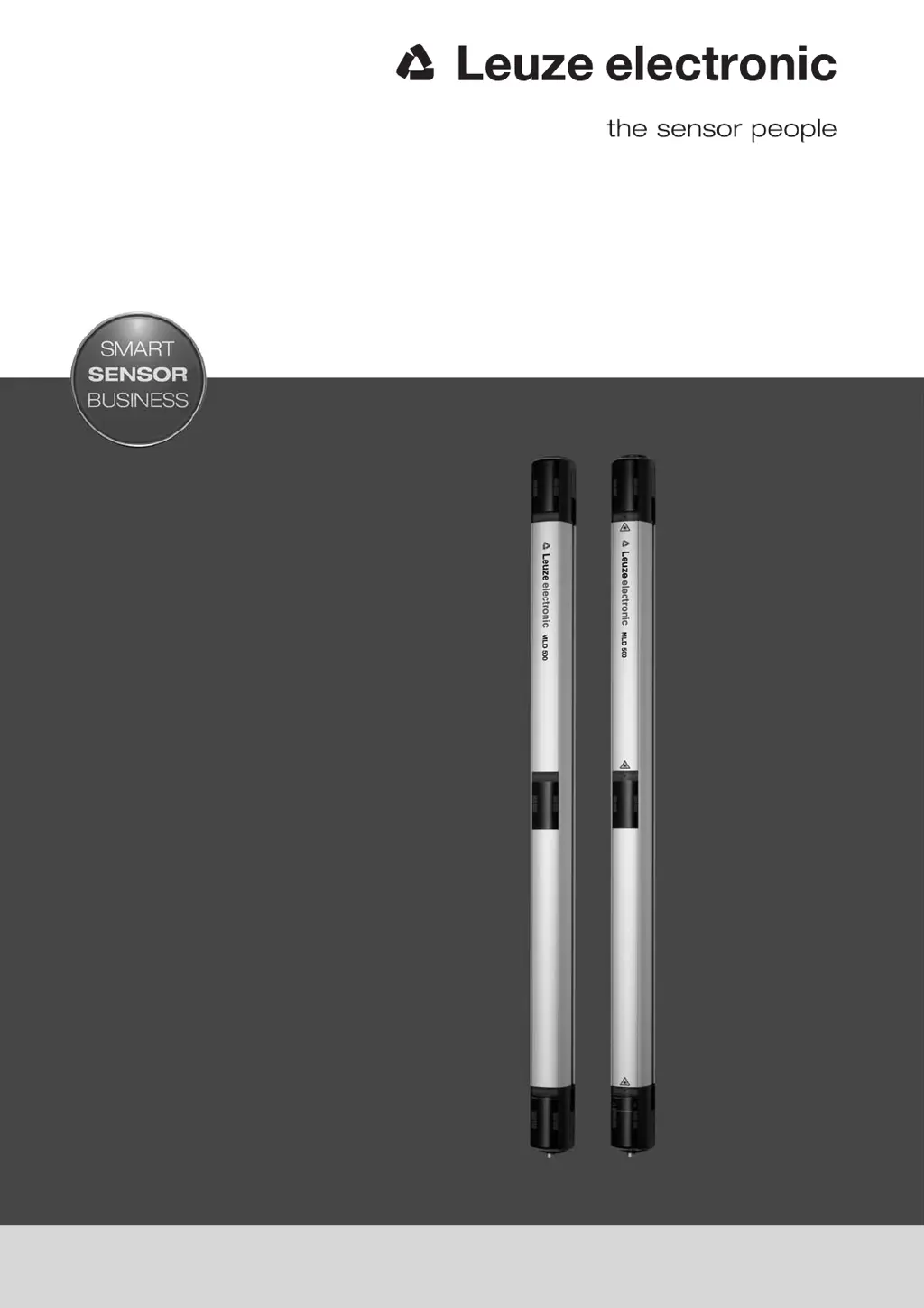
Leuze MLD 500 - User Manual

Default Icon
120 pages
Print Icon
To Next Page IconTo Next Page
Loading...
MLD 300, MLD 500
Multiple light beam safety devices
SAFE IMPLEMENTATION AND OPERATION
Original operating instructions
EN 2016/02 - 607342
We reserve the right to
make technical changes

Table of Contents

Questions and Answers

  • D
    Derek CochranSep 12, 2025
    What to do if Leuze MLD 500 Security Sensors display error U51?
    • C
      coxjorgeSep 12, 2025
      If the Leuze Security Sensors display error U51, only one muting signal is active during a protective field violation, and the second muting signal is missing. Check the mounting of the muting sensors and the triggering of the muting signals.
  • M
    Marcus HernandezAug 25, 2025
    What to do if Leuze Security Sensors display error E02?
    • B
      Brenda TurnerAug 25, 2025
      If the Leuze Security Sensors display error E02, it means there is an overload on OSSD1. To resolve this, check the wiring or replace the connected component, thus reducing the load.
  • D
    dherreraAug 25, 2025
    What to do if Leuze Security Sensors display error E03?
    • S
      Sandra DoyleAug 26, 2025
      If the Leuze Security Sensors display error E03, it indicates an overload on OSSD2. To fix this, examine the wiring or replace the connected component to reduce the load.
  • I
    Ivan FloresSep 23, 2025
    What to do if Leuze MLD 500 display error 8 or .?
    • D
      Donald HuffmanSep 23, 2025
      If the Leuze Security Sensors display error 8 or ., it means that there was an error during uploading. Disconnect the device from the voltage supply for 5 seconds.
  • L
    Lisa MillerSep 12, 2025
    What to do if Leuze Security Sensors display error U54?
    • C
      Cheyenne RowlandSep 12, 2025
      If the Leuze Security Sensors display error U54, it indicates a missing additional muting control signal (muting-enable). Check the connection of the muting sensor and the triggering of the muting-enable signal. Reconnect the muting sensor, if applicable, and activate it with a restart.
  • C
    Cassandra SosaSep 18, 2025
    What does it mean if LED2 on the receiver (with MLD 500/AS-i) is red on Leuze Security Sensors?
    • R
      Robert WalkerSep 18, 2025
      If LED2 on the receiver (with MLD 500/AS-i) on Leuze Security Sensors is red, it indicates that the AS-i slave is not communicating with the AS-i master. Check the connection of the AS-i master with the AS-i slave, correct the AS-i address of the AS-i slave, or correctly set the AS-i profile in the AS-i master.
  • S
    suzanneknappSep 5, 2025
    What to do if LED1 on the receiver is green and slowly flashing (approx. 1 Hz) on Leuze Security Sensors?
    • M
      mejiabriannaSep 5, 2025
      If LED1 on the receiver of Leuze Security Sensors is green and slowly flashing (approx. 1 Hz), it indicates a weak signal due to soiling or misalignment. Clean the front screen and check the alignment of the transmitter and receiver.
  • M
    mooreyolandaSep 6, 2025
    What to do if Leuze MLD 500 display error E19?
    • A
      April SimpsonSep 6, 2025
      If the Leuze Security Sensors display error E19, it means a foreign transmitter has been detected. Remove any foreign transmitters and increase the distance to reflective surfaces.
  • B
    Brenda HallSep 18, 2025
    What to do if LED2 on the receiver (with MLD 500/AS-i) is yellow and flashing on Leuze Security Sensors?
    • C
      cunninghamnathanielSep 18, 2025
      If LED2 on the receiver (with MLD 500/AS-i) on Leuze Security Sensors is yellow and flashing, it indicates that the AS-i slave has an invalid address 0. Assign the AS-i slave a valid address.
  • T
    toddadamsAug 30, 2025
    What to do if Leuze Security Sensors display error E01?
    • N
      Nathan BallardAug 30, 2025
      If Leuze Security Sensors show error E01, it means there's a cross connection between OSSD1 and OSSD2. You should check the wiring between OSSD1 and OSSD2.

Summary

Safety

Intended Use and Foreseeable Misuse

Details the correct application and potential improper uses of the safety sensor.

Device Description

Functions

Start;Restart Interlock

Describes the function that prevents automatic system restart after safety circuit activation.

Muting

Details how the protective function can be temporarily suppressed for object transport.

Applications

Mounting

Arrangement of Transmitter and Receiver

Covers the importance of safety distance and standards for mounting devices.

Calculating the Safety Distance

Provides formulas and examples for calculating safety distance (S) as per EN ISO 13855.

Electrical Connection

Pin Assignment Transmitter and Receiver

Describes the pin assignments for M12 connectors on transmitters and receivers.

Pin Assignment of Local Socket

Details the pin assignments for the local 5-pin and 8-pin sockets.

Selecting Contactor Monitoring and Start;Restart Interlock

Explains configuration of EDM and RES via pins 1, 3, and 4.

Selecting the Muting Operating Modes

Describes how to select muting operating modes via pins and bridges for MLD 330/335/530/535.

Starting Up the Device

Switching On

Details the requirements and procedure for switching on the safety sensor.

AS-i Connection Start-up

Covers initial commissioning and addressing for AS-i safety sensors.

Aligning the Safety Sensor

Provides guidance on prealignment and alignment procedures for the safety sensor.

Aligning with Integrated Laser Alignment Aid

Explains how to use the integrated laser alignment aid for precise device alignment.

Start;Restart Button

Describes the function of the start/restart button for interlock unlocking or muting restart.

Testing

Before the Initial Start-up and Following Modifications

Outlines tests required before initial start-up and after modifications.

Troubleshooting

Technical Data

Leuze MLD 500 Specifications

General IconGeneral
Operating Voltage24 V DC
Light SourceInfrared LED
Supply Voltage24 V DC ± 20 %
Housing MaterialAluminum
Resolution30 mm
Protection ClassIP67
Safety CategoryType 4 according to IEC/EN 61496
Operating Temperature-30°C to +55°C
Connection TypeM12 connector
Output Type2 safety outputs
Current Consumption≤ 100 mA
Ambient Temperature-30°C to +55°C

Related product manuals