4
PARKING BRAKE
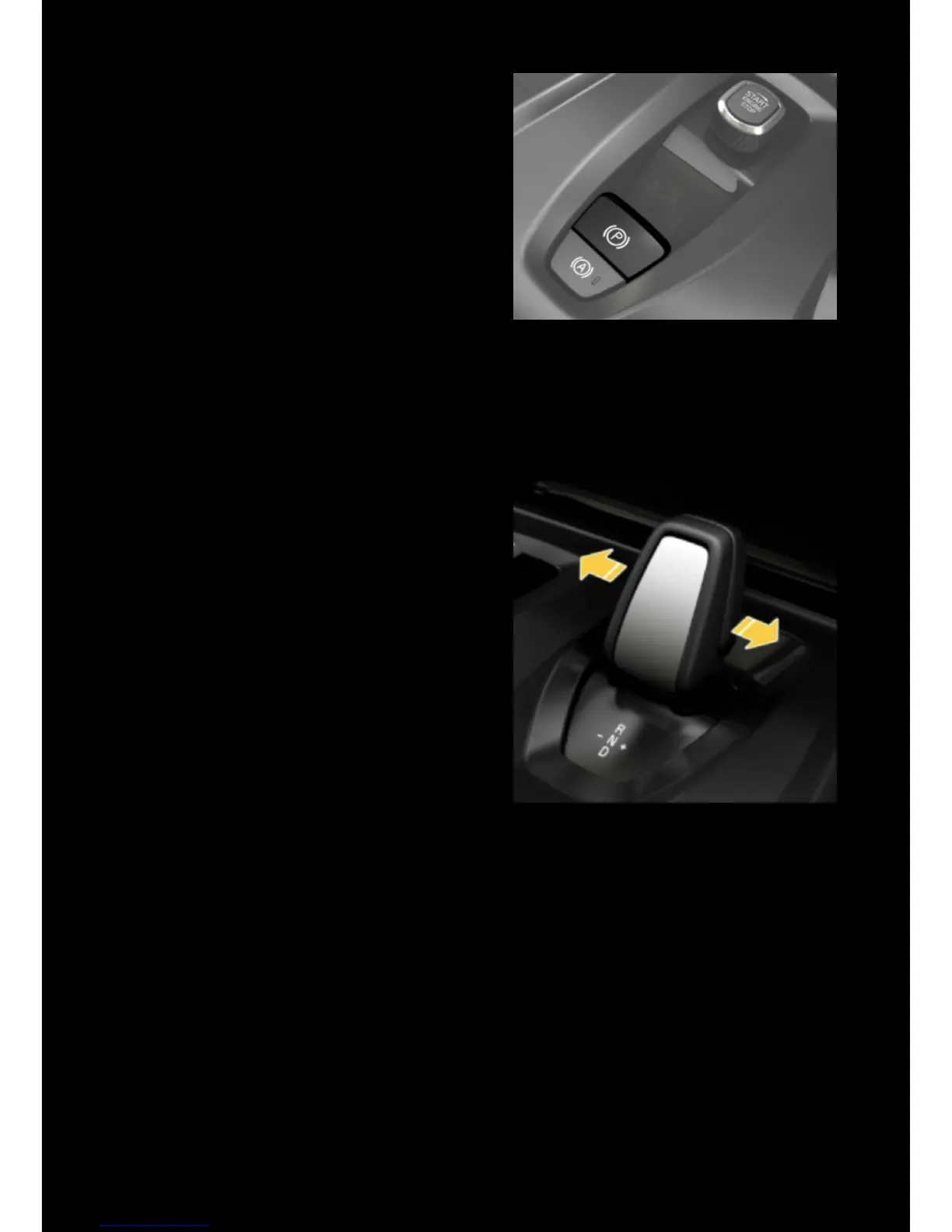
• To engage the parking brake, pull up on
the lever
• To release it, press the lever down
A warning indicator is shown on the driver
display when the parking brake is engaged.
• To activate the automatic parking brake
function press (A) (a green light is
illuminated on the switch*).
*The parking brake will release as the
vehicle pulls away and re-engage
automatically when the ignition is
switched o.
REGENERATIVE BRAKING
This function allows the taxi to harness
some of the energy lost while slowing down
and use it to replenish the drive battery.
With Drive (‘D’) selected, move the lever
left/right to select the desired level of
regeneration – 0 (o), 1 (low) or 2 (high),
! The level of regeneration selected is shown
at the bottom of the right-hand dial in the
driver display.
! The vehicle will default to Smart mode
automatically on each re-start.
! When the drive battery is fully charged,
regenerative braking is automatically
disabled.



 To Next Page