EN
23
OPERATION OF THE INSTRUMENT
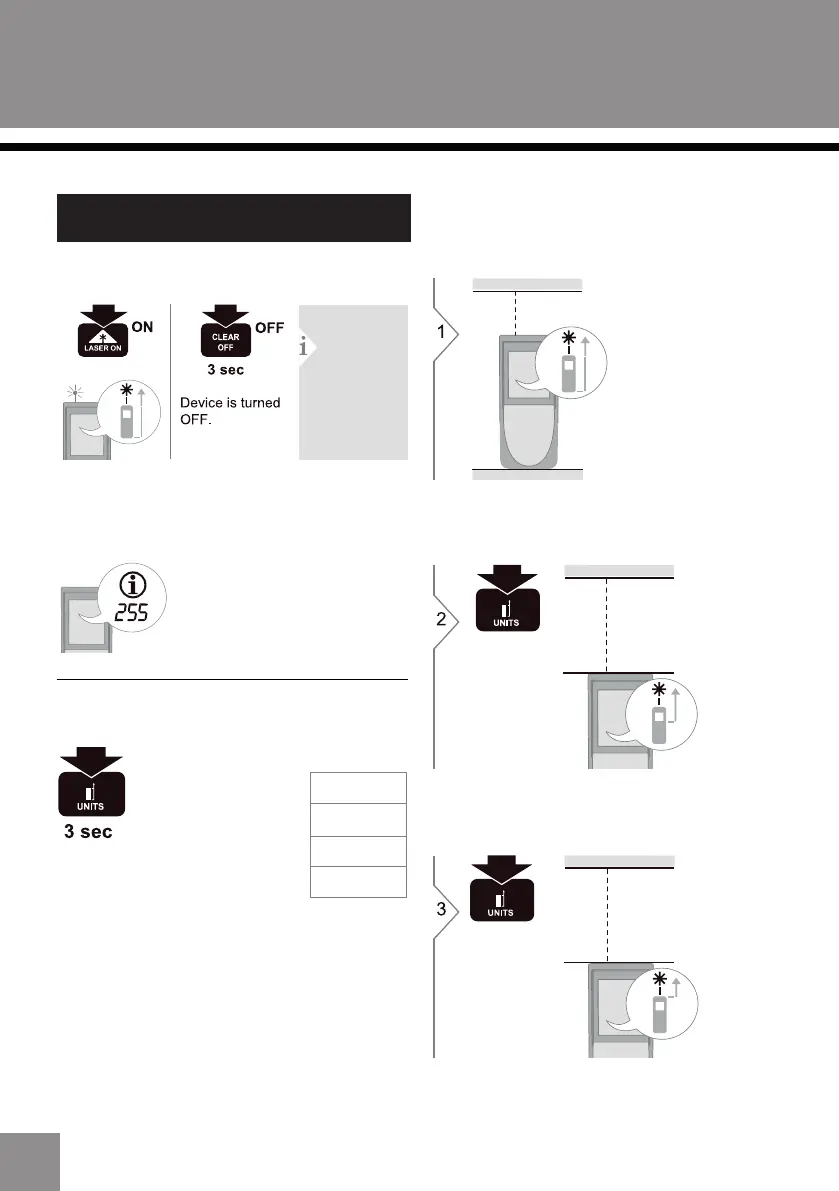
If the icon appears with a number, observe the
instructions in section “ Message codes”.
Example:
Press button to change the reference to middle for
measurement.
The system default measurements start at the bottom
as a reference point.
Switching ON / OFF
If no key is
pressed for
120 sec, the
device
switches o
automatically.
Unit setting
Switch between the
following units:
0.000 m
0’00” 1/16
0 1/16 in
0.00 ft
Change measurement reference
Press button to change the reference to top for
measurement.


 To Next Page