10
2.4 Installation: Ceiling/Wall Mounting
The IR Bullet IP Camera can be installed directly on a wall or ceiling with the integrated
2-axis adjustable Bracket Mount. Please note that the wall or ceiling must have enough
strength to support the IP Camera.
Follow the steps below to install the IP Camera:
Step 1:
Unpack the IR Bullet IP Camera package and take out the IP Camera.
Step 2:
Connect the power/Ethernet/alarm/audio wires from ceiling or wall to the corresponding
connectors of the camera’s All-in-one Cable.
Step 3:
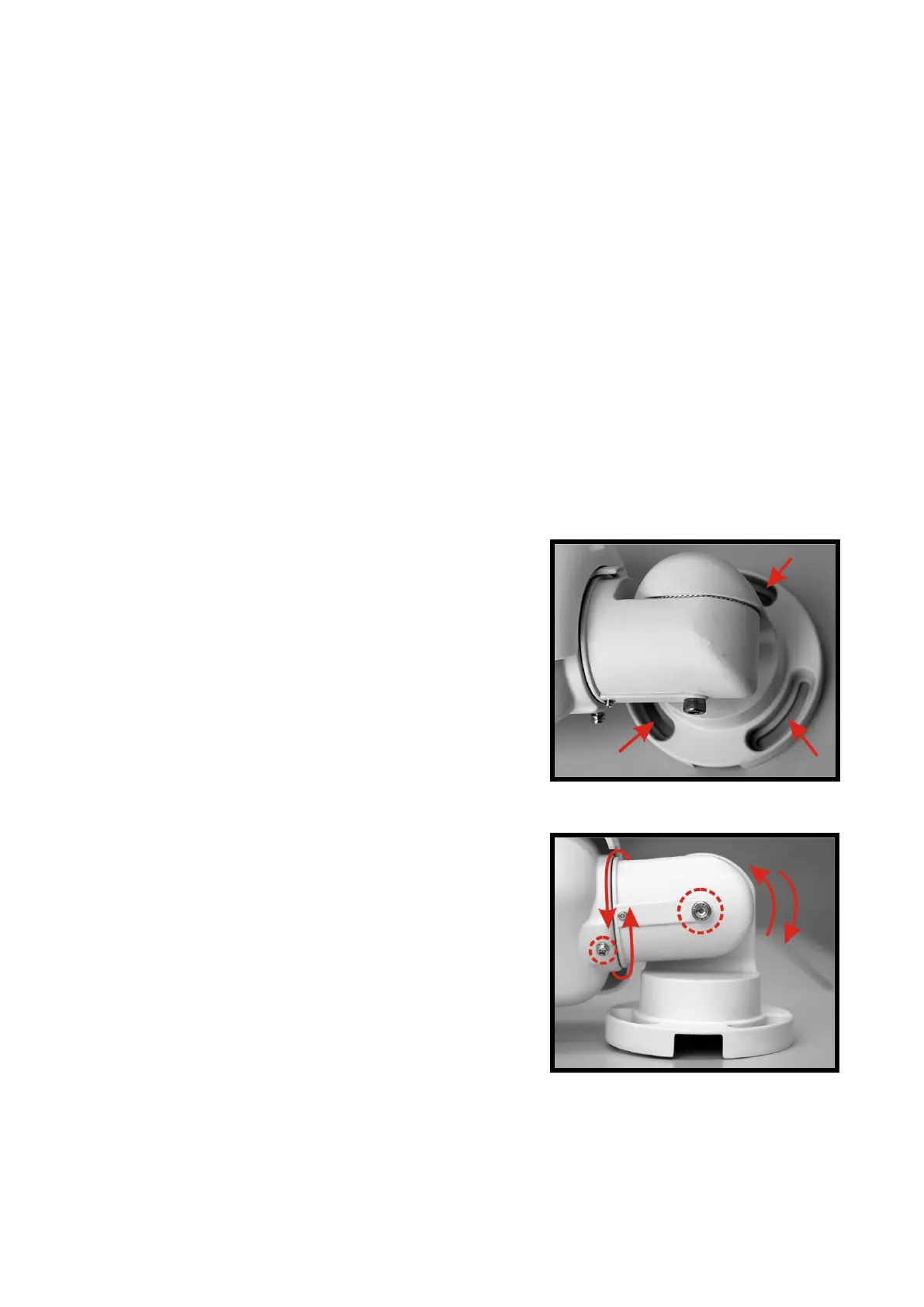
Fix the IP Camera’s Bracket on the ceiling/wall with
three supplied self tapping screws.
Step 4:
Use the supplied Inner Hex Wrench and cross
screwdriver to loosen the hex bolt/screw on the side of
the Bracket Mount and the Camera Housing to adjust
the position of the IP Camera.















 To Next Page