Hardware Manual
10
6. Connect an Ethernet cable from the network side to the Ethernet port of the camera to
complete the installation. See Basic Connections on page 11 for more information.
NOTES on using Ethernet cables: For outdoor installations, it is recommended to use
exterior-grade Ethernet cables (CAT5/CAT5e/CAT6); ordinary Ethernet cables are only
designed for indoor use and may deteriorate quickly when exposed to outdoor elements.
Exterior-grade Ethernet cables are waterproof and do not require a conduit.
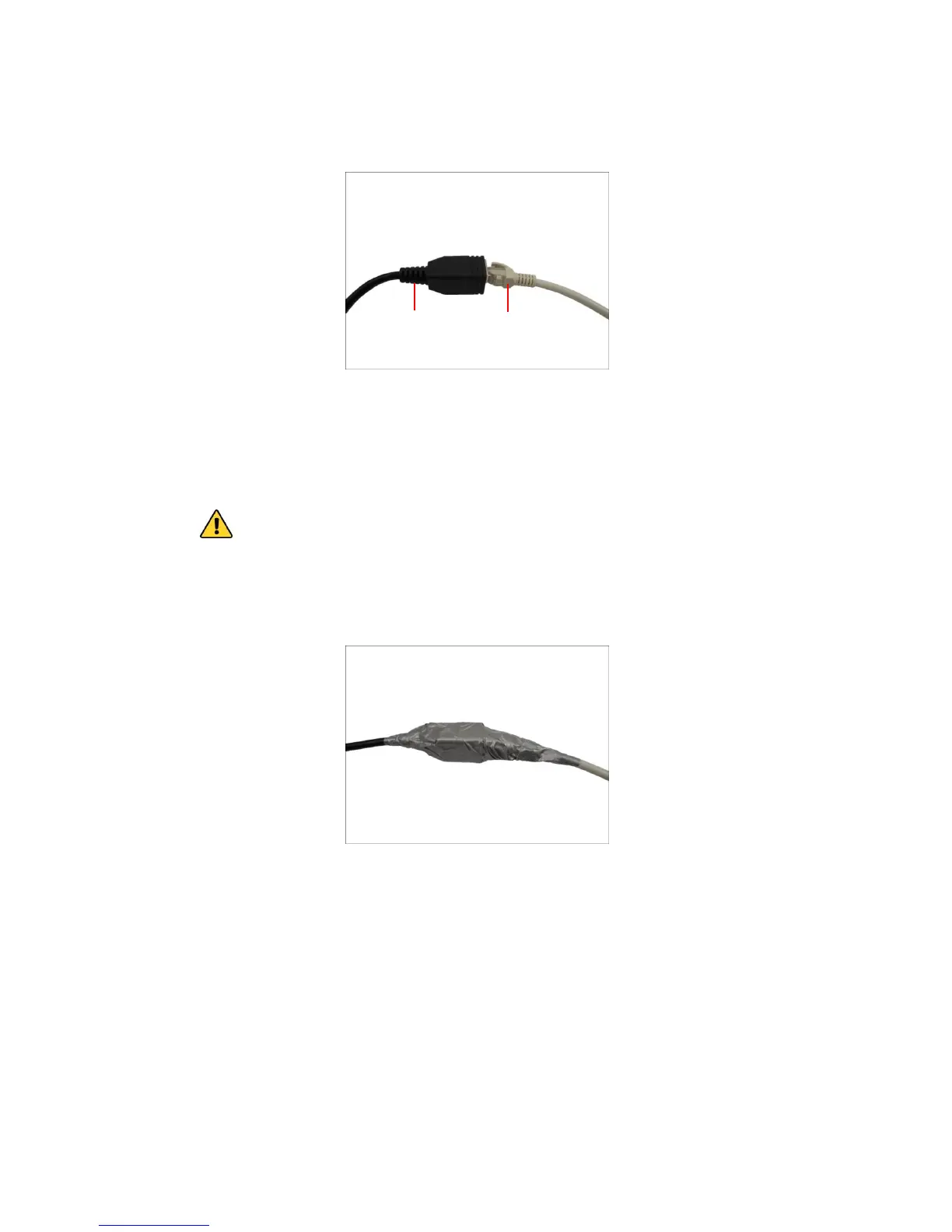
CAUTION: If the camera will be installed outdoors, be sure to waterproof the cable
connection by enclosing it inside a junction box or wrap it using a moisture-sealant tape,
such as 3M PRODUCTS Core Series 4-1000 (not included in the package) or equivalent.
See example below.















 To Next Page