Introduction
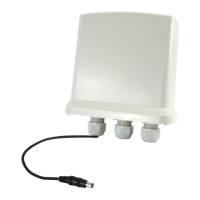
The 10/100Mbps Fast Ethernet converter media
tesbetween a 10/100 Base-TX segment and a 100Base-FX
segment. It is primarily designed for large, more higher
speed/bandwidth demandingworkgroups that require
expansion of the Fast Ethernet network.
Package Contents
Before start using the products, make sure that
What you have is what you ordered:
The Converter includes:
* Fast Ethernet Media Converter
* Power Adapter
* User’s Guide
* Quick Installation Guide
* Declaration of Conformity
Features
*
Complies with 802.3u 10/100 Base-TX and
100 Base-FX standards.
*
Provide one SC fiber connector and one UTP
Connector.
*
Auto-detection of half/full duplex transfer
mode for TX port.
*
Auto-negotiation of 10/100Mbps rate and
Auto-Crossover for TX port.
*
Provide switch configuration of half / full
duplex transfer mode for the FX port.
*
Extend fiber distance up to 2KM for multi
-mode fiber and 20-120KM for the Single Mode
fiber.
*
Easy-to –view LED indicators provide status
to monitor network activity easily.
Appearance Indication
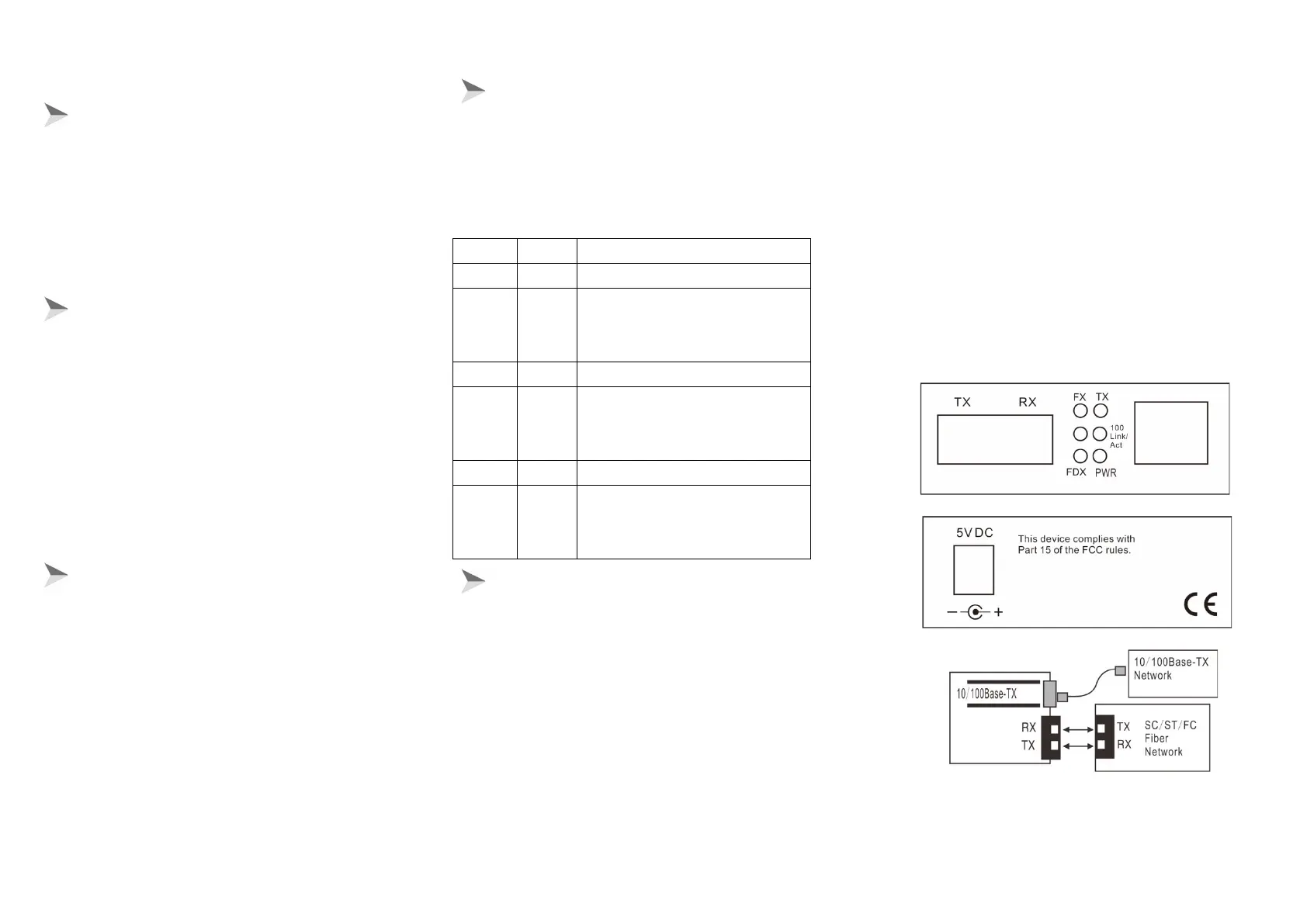
LED indicators
This converter has LED indicators which can provide a real
time report. When you take a look at these indicators, you will
know what’s happening on your network.
Lit when 100 Base-FX operation.
Lit when fiber cable connection
with remote device is good. Blinks
when any FX traffic is present.
Lit when +5V power is available
Lit when Full Duplex Mode is
enable. Blinking when collision is
present.
Lit when 100Base-TX operation.
Lit when TP cable connection with
remote device is good. Blinks when
any TX traffic is present.
Installation Procedure
1. Converter to 10/100 Base-TX Device (hub or switch)
connection.
*
Make sure that the length of twisted pair cable
(category-5) between 10/100Base-TX device and converter is
no longer than 100 meters.
*
Connect one end of twisted pair cable to RJ45 jack on the
converter and the other end of the cable to the RJ45 jack on
the 10/100 Base-TX device.
2. Converter to Converter or 100Base-FX Device Connection
connect one(SC)end of a fiber cable to the SC connector on
the converter end of the cable to the SC connector on the
converter and the other end of the cable to the SC connector
on the other converter or 100Base-FX device.3. Turn on the
power.
Notice:
The WDM Converter A is SC fiber connector works at 1550nm
on transferring data and at 1310nm on receiving data in one
Single Mode fiber.
The WDM Converter B is SC fiber connector, Inversely, works
at 1310nm on transferring data and at 1550 nm on receiving
data in a fiber. So the WDM Converter A and the WDM
Converter B must use as partnership together.


 To Previous Page
 Loading...