3
Package Contents
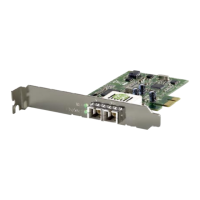
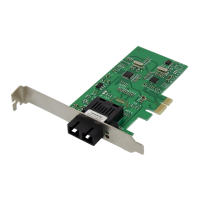
• GNC-0112
• Quick Installation Guide
• CD-ROM With Manual/QIG/Driver
If any of the above items are missing, please contact your retailer
or distributor.
1. Turn off your computer and disconnect the power cable.
2. Insert the network card firmly into a free PCIe slot.
3. Connect the power cable to the compute case and turn on your
computer.
4. Insert the CD-ROM in the optical drive of your computer.
5. Select “Install Drivers & Software” from the autorun menu.
English


 To Next Page