9
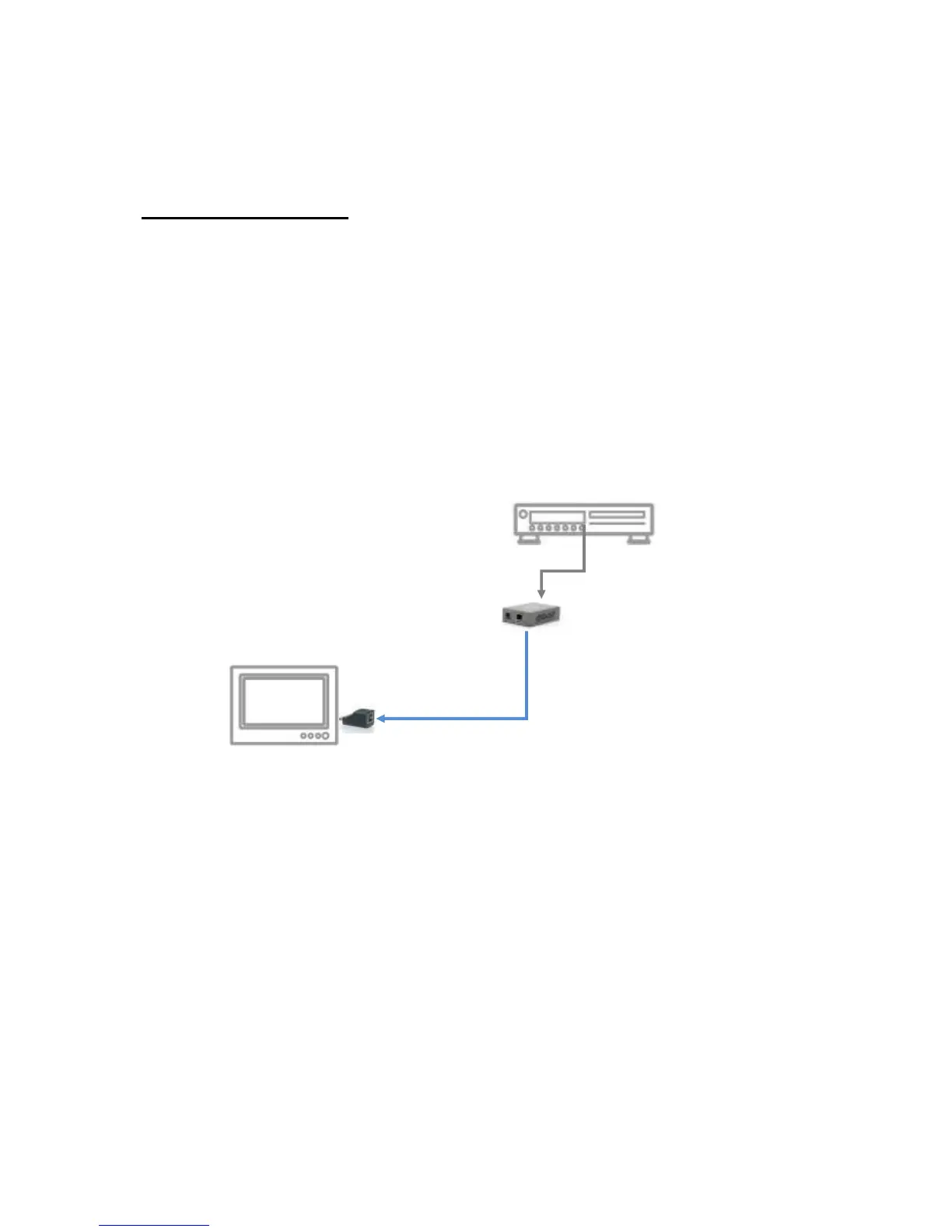
Extends HDMI signals to one display at shorter distance
HVE-9900 & HVE-9001
1. Connect HVE-9001 to your HDMI source (such as a Blu-ray Disc player) through
a HDMI cable.
2. Connect HVE-9900 directly to your HDMI display (such as a LCD TV).
3. Connect your CAT-5/5e/6 cable between HVE-9001 and HVE-9900.
4. Make sure your CAT-5/5e/6 cable is tightly connected and not loose.
5. Plug in 5V DC power cord to the power jack of HVE-9001.
HDTV
HDMI cable



 To Next Page