10
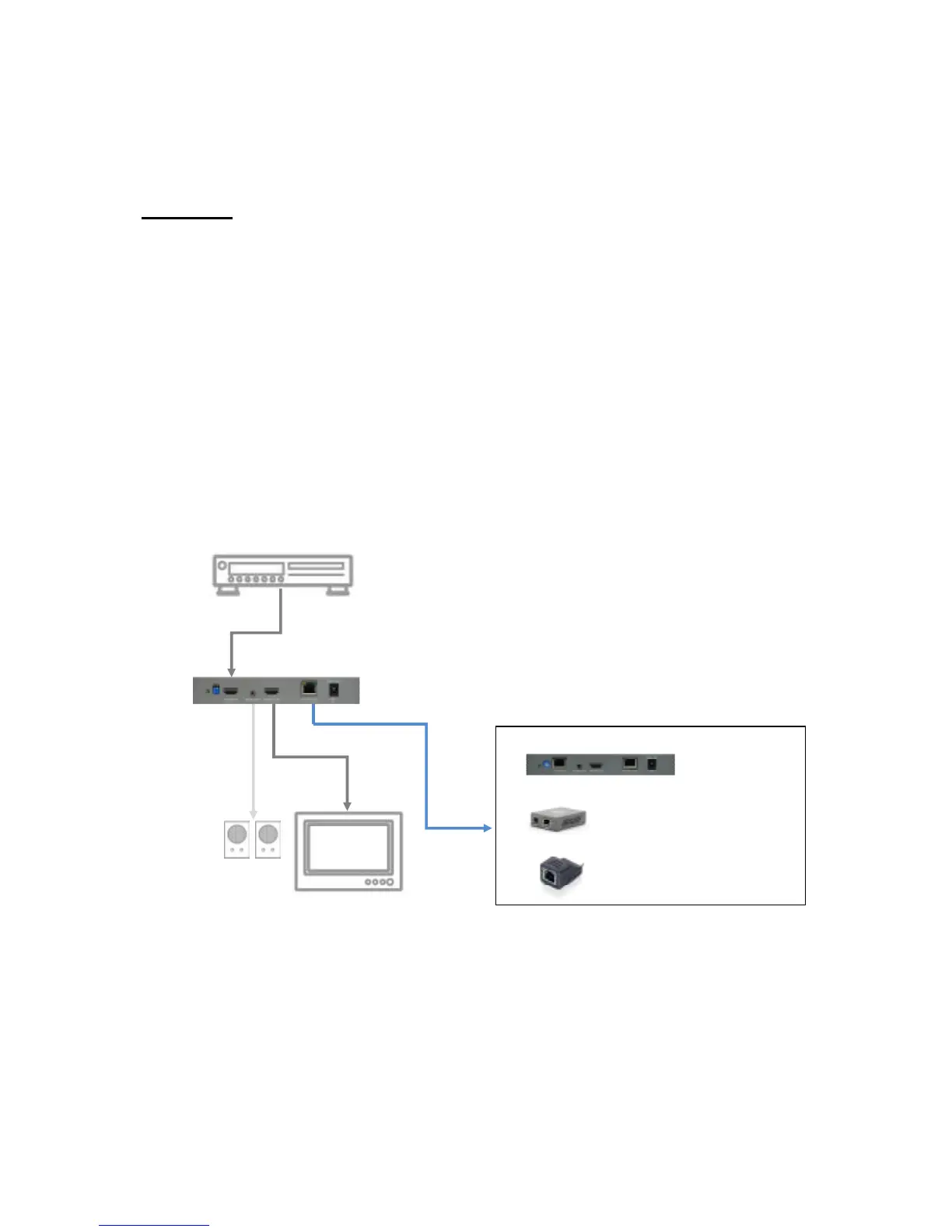
Extends HDMI signals to next cascading device with one local display
HVE-9002
1. Switch off all devices, including monitors.
2. Connect a local HDMI display to the HDMI out of the HVE-9002 and then
connect a speaker to the 3.5mm audio socket.
3. Connect to a HDMI source (such as a Blu-Ray Disc player)
4. Connect HVE-9002 to HVE-9003 (for cascading), to HVE-9000 (to HDTV at long
range), or HVE-9900 (to HDTV at mid range) via RJ-45 Out by a Cat.5e cable.
5. Plug in 5V4A DC power supply.
6. Power on the HDTV.
7. Power on the HDMI source.



 To Next Page