IES-0510 User Manual Page 6
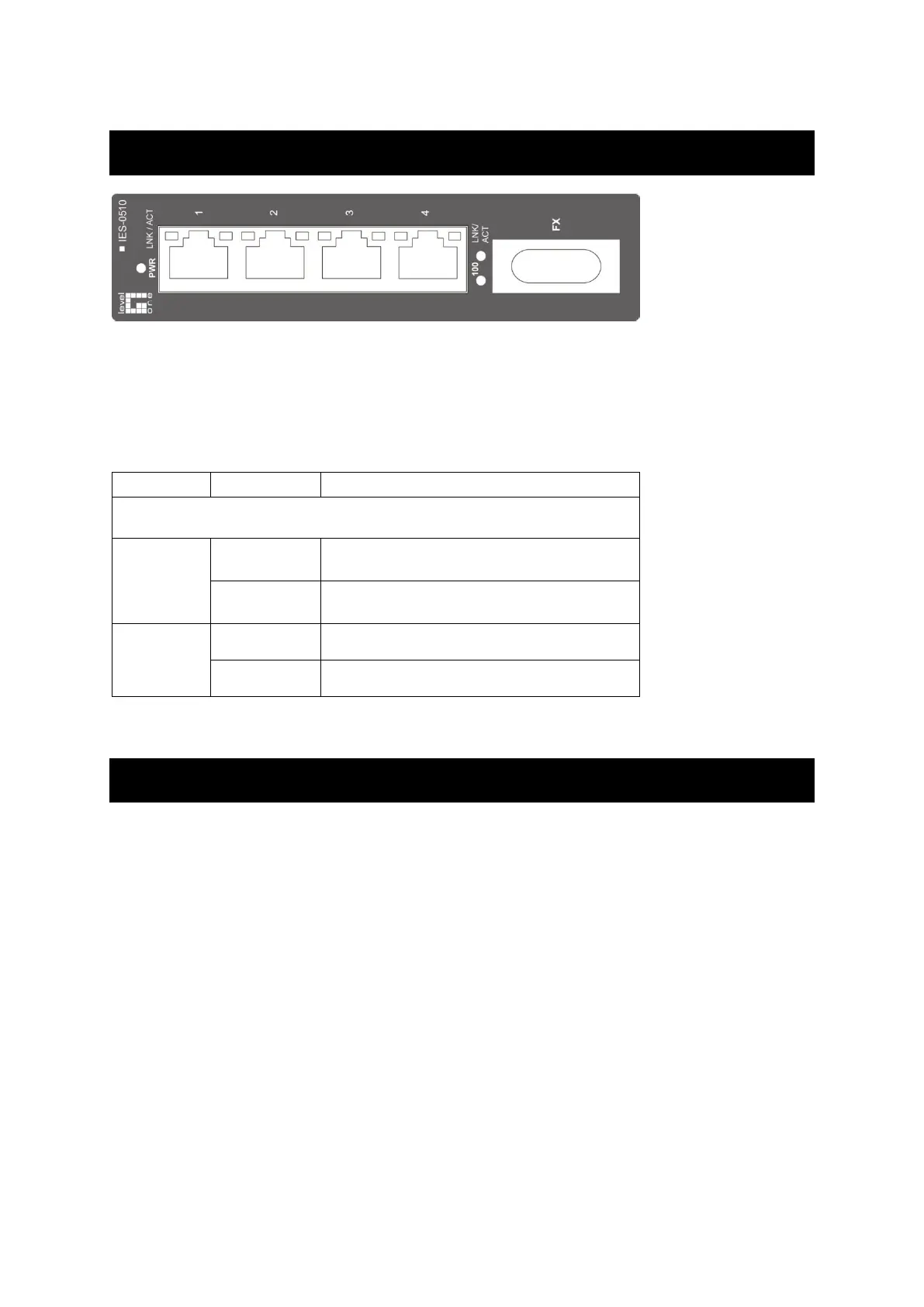
Front Panel Display
Power Status (PWR)
This LED comes on when the switch is properly connected to power and turned on.
Port Status LEDs
The LEDs display status for each respective port.
A valid network connection established.
LNK stands for LINK.
Transmitting or receiving data.
ACT stands for ACTIVITY.
Light solid yellow for a port transferring at
100Mbps.
The port is transferring at 10Mbps If this
LED is dark.
Physical Ports
This switch provides:
Five 10/100Base-TX ports
Four 10/100Base-TX ports + one 100Base-FX port
One 10/100Base-TX port + one 100Base-FX port
Connectivity
RJ-45 connectors
SC or ST connector on 100Base-FX fiber port



 To Next Page