2.3 Uninstallation of Configuration Utility
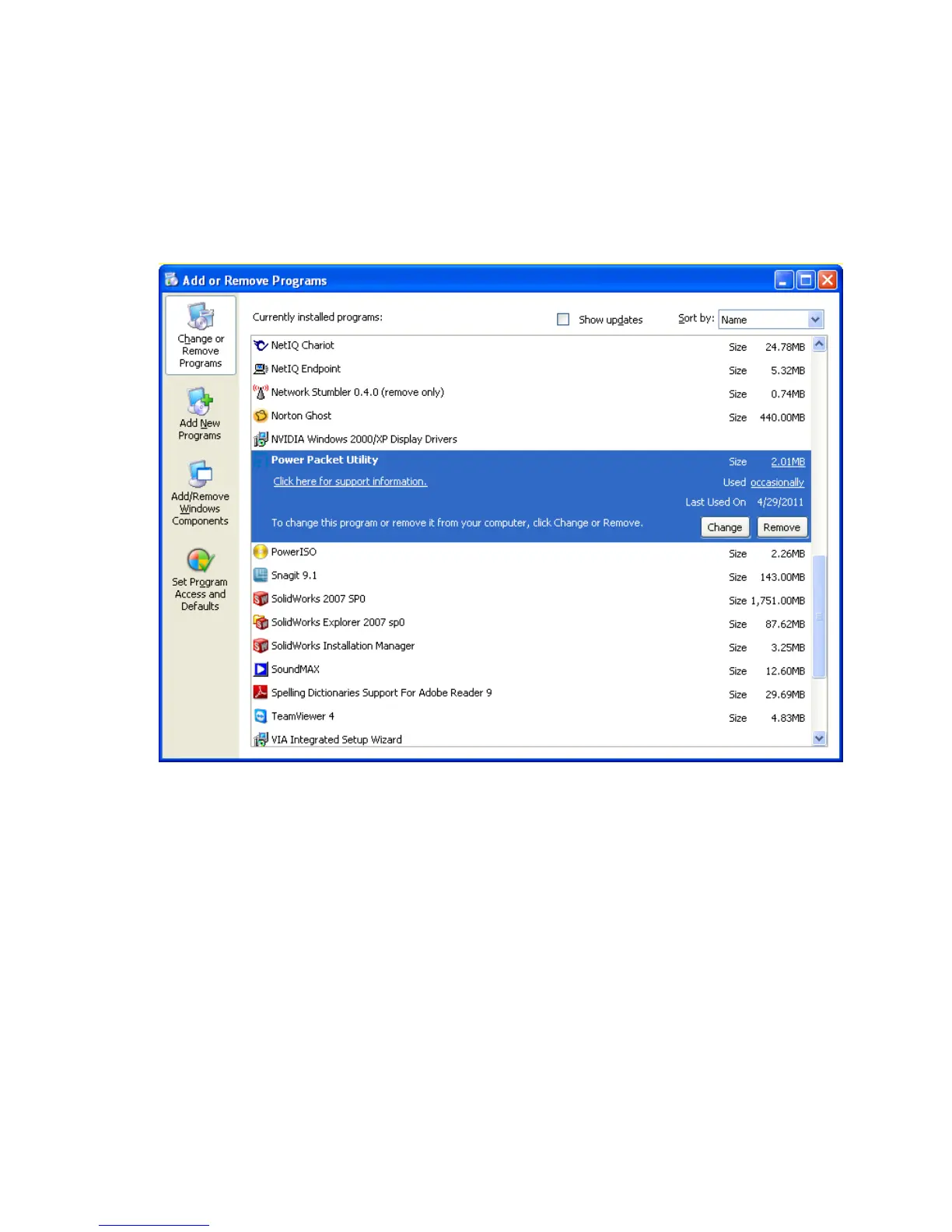
1. To uninstall the Configuration Utility, go to the “Control Panel” of your system.
2. Open the “Add/Remove Programs”.
3. Select and double click on the “Powerline Utility” in the Add/Remove Programs
Properties.
4. Follow the on screen instructions to uninstall the Powerline Utility.


 To Next Page