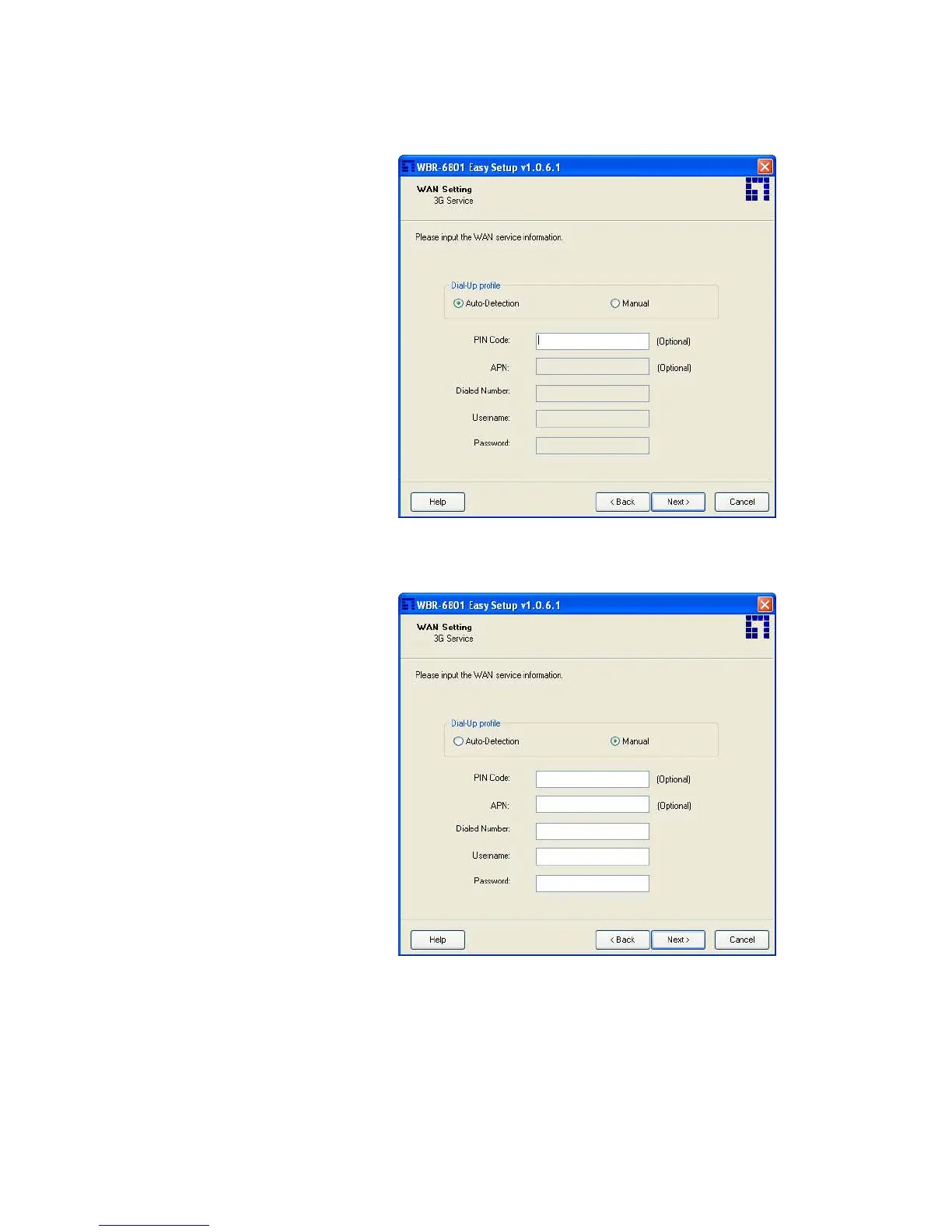
Step 6-1.
Select “Auto-Detection”, and the
Utility will try to detect and
configure the required 3G
service settings automatically.
Click “Next” to continue.
※ Default PIN Code is empty, if
you have PIN Code, you must
enter it. For example “0000”. If
no, just Click “Next” to continue.
Step 6-2.
Or you can select “Manual” and
manually fill in the required 3G
service settings provided by your
ISP.
Click “Next” to continue.














 To Next Page