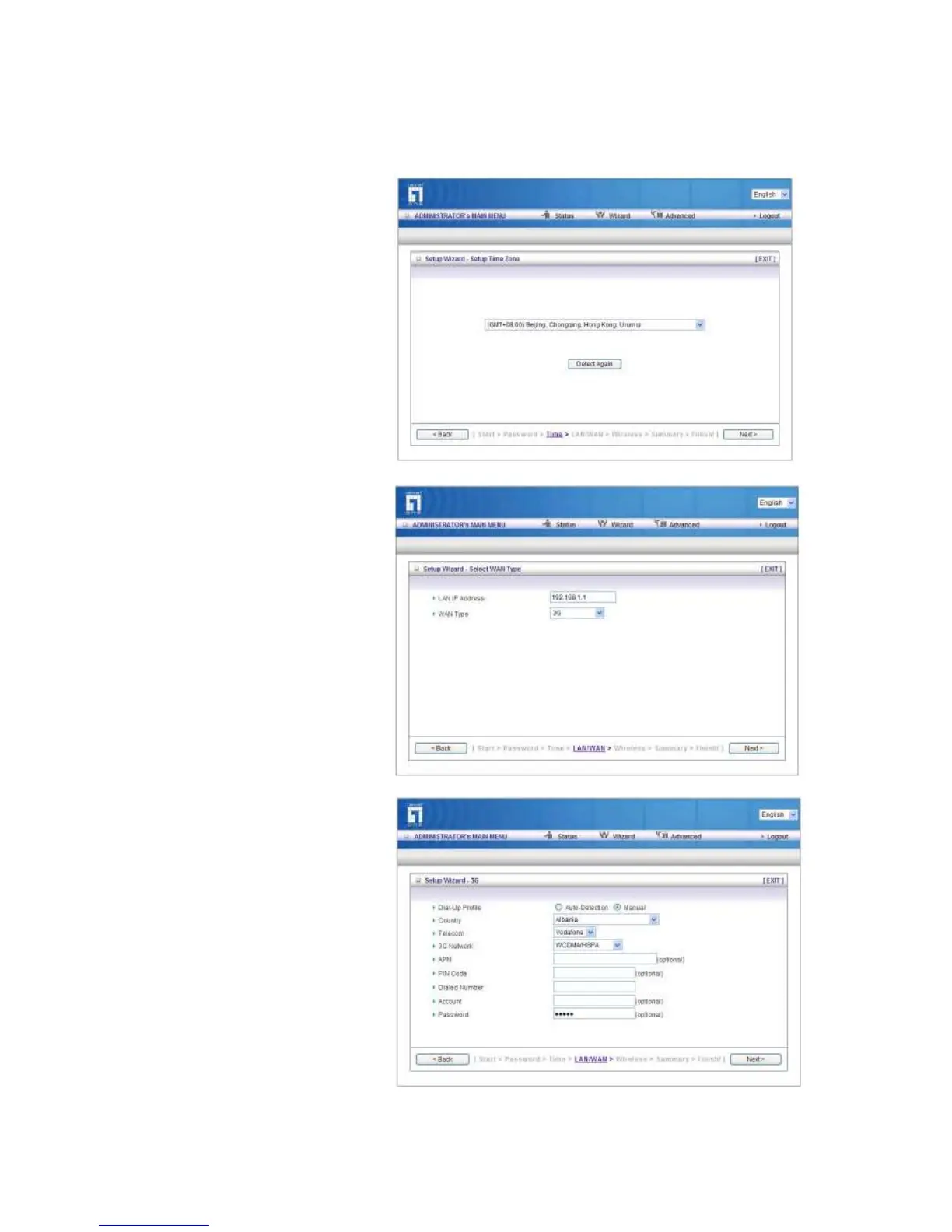
Step 3:Select Wan Type.
If you want to use 3G service as
the main internet access,
please set the WAN interface as
“Wireless WAN” and the WAN
type as “3G”.
Step 4:
Select “Auto Detection” Dial-up
Profile, and the Utility will try to
detect and configure the
required 3G service settings
automatically. Or you can select
“Manual” and manually fill in the
required 3G service settings
provided by your ISP.
Default PIN Code is empty, if
you have PIN Code, you must
enter it.














 To Next Page