Check Enable to enable this function.
Setting of Email alert
Check if you want to enable Email alert (send syslog via email).
Check Enable to enable this function.
SMTP Server IP and Port
Input the SMTP server IP and port, which are connected with ':'. If you do not specify port number,
the default value is 25.
For example, "mail.your_url.com" or "192.168.1.100:26".
SMTP Username and password
Input a user account and password for the SMTP server.
E-mail address
The recipients who will receive these logs, you can assign more than 1 recipient, using ';' or ',' to
separate these email addresses.
E-mail Subject
The subject of email alert, this setting is optional.
View Log…
Reference the section Toolbox ->System Info.
Click on “Save” to store your setting or “Undo” to give up
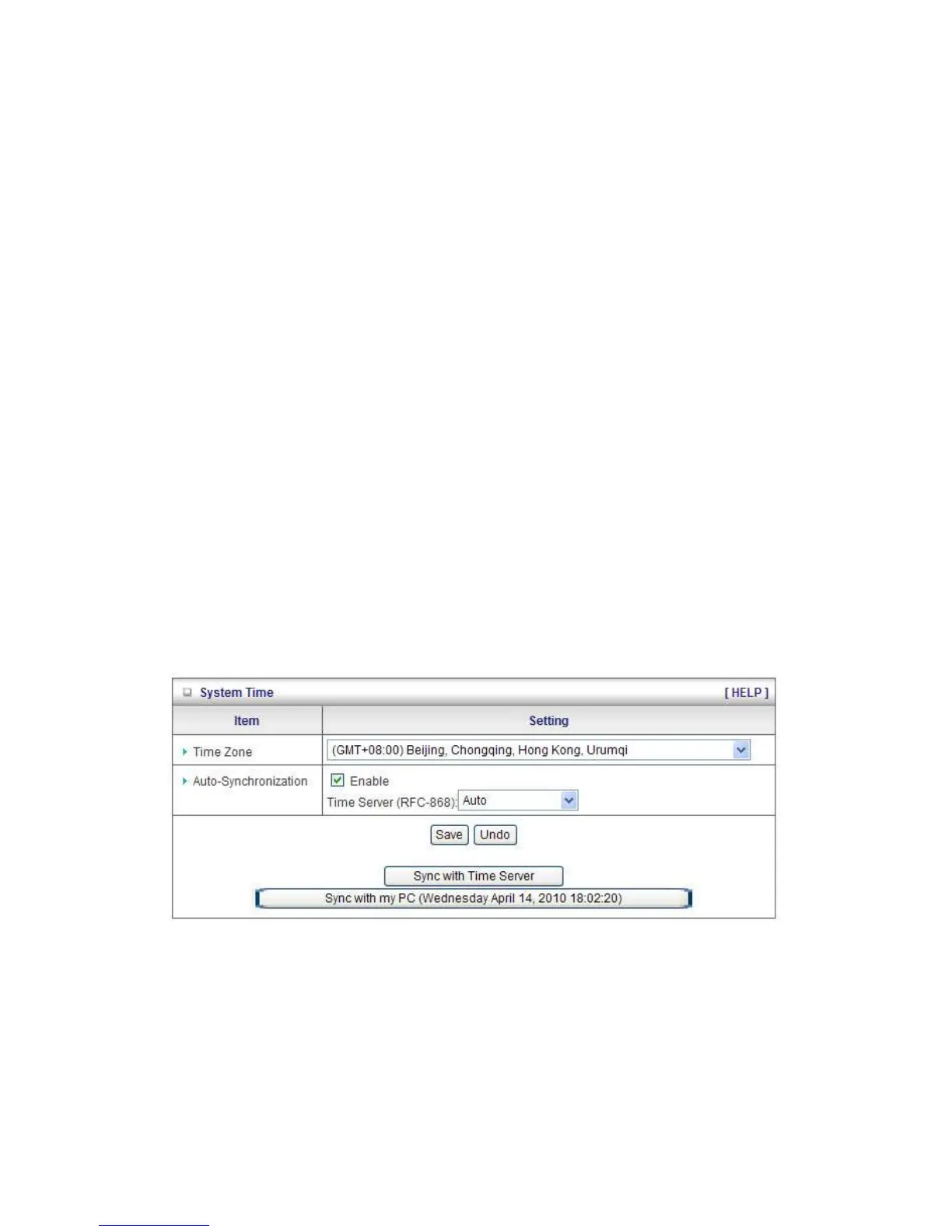
System Time
Time Zone
Select a time zone where this device locates.
Auto-Synchronization
Select the “Enable” item to enable this function.
Time Server
Select a NTP time server to consult UTC time














 To Next Page